
The FBI Warns Against Using These Unsafe Wi-Fi Routers
An older internet setup might be secretly inviting cybercriminals into the living room. Many people leave network hardware plugged in for a decade without a second thought.
The FBI recently issued a public advisory regarding end-of-life hardware. Threat actors scan the internet for unpatched, outdated devices to upload malware and build proxy networks (making it easy to tap into your personal information). These attacks happen quietly and avoid traditional antivirus detection.
This guide breaks down the specific legacy models flagged by authorities and offers actionable steps to upgrade a vulnerable network. Read on to discover which devices pose a threat and how to secure a digital footprint.
1. Linksys E1200
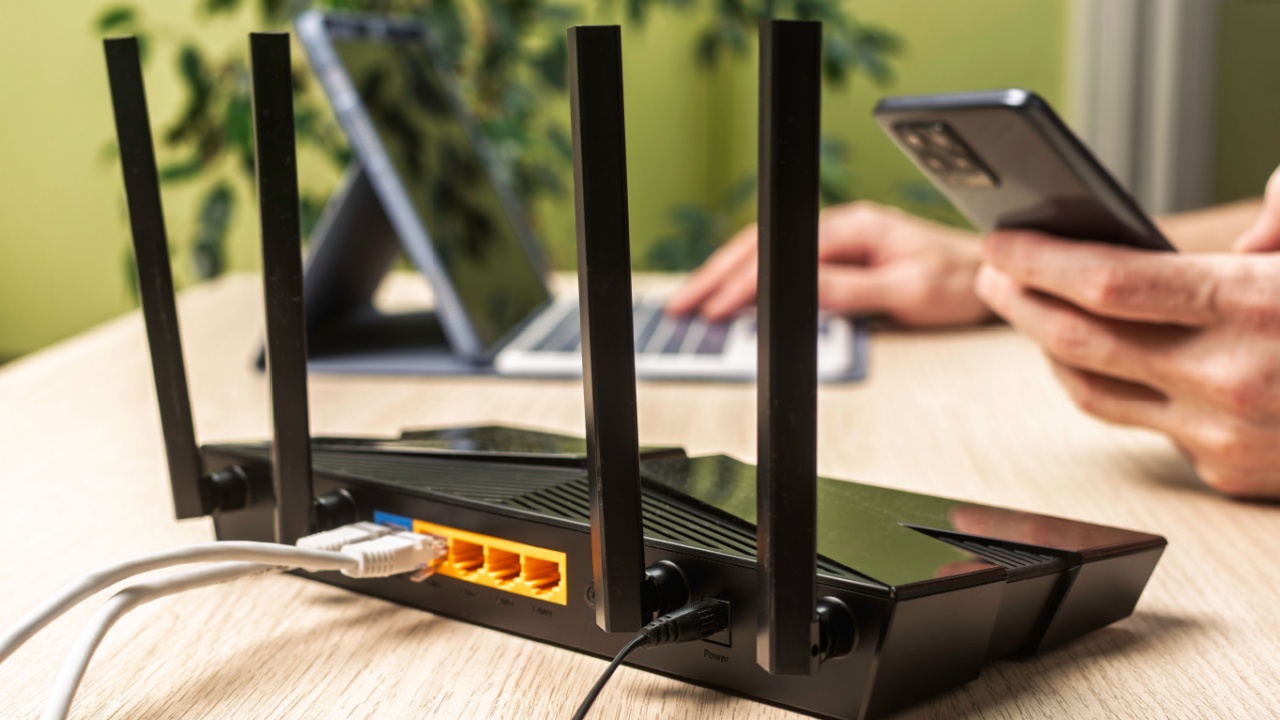
The Linksys E1200, first released in 2011, is a prime target for cybercriminals. Because this model no longer receives critical software updates, its remote administration features are left wide open to attack. Cybercriminals can exploit these vulnerabilities to gain root access and take complete control of your network.
If you’re still using this router, the best course of action is to replace it immediately. Look for a replacement that supports WPA3 encryption, as this latest security protocol offers much stronger protection against modern threats like eavesdropping and brute-force attacks.
2. Linksys E2500
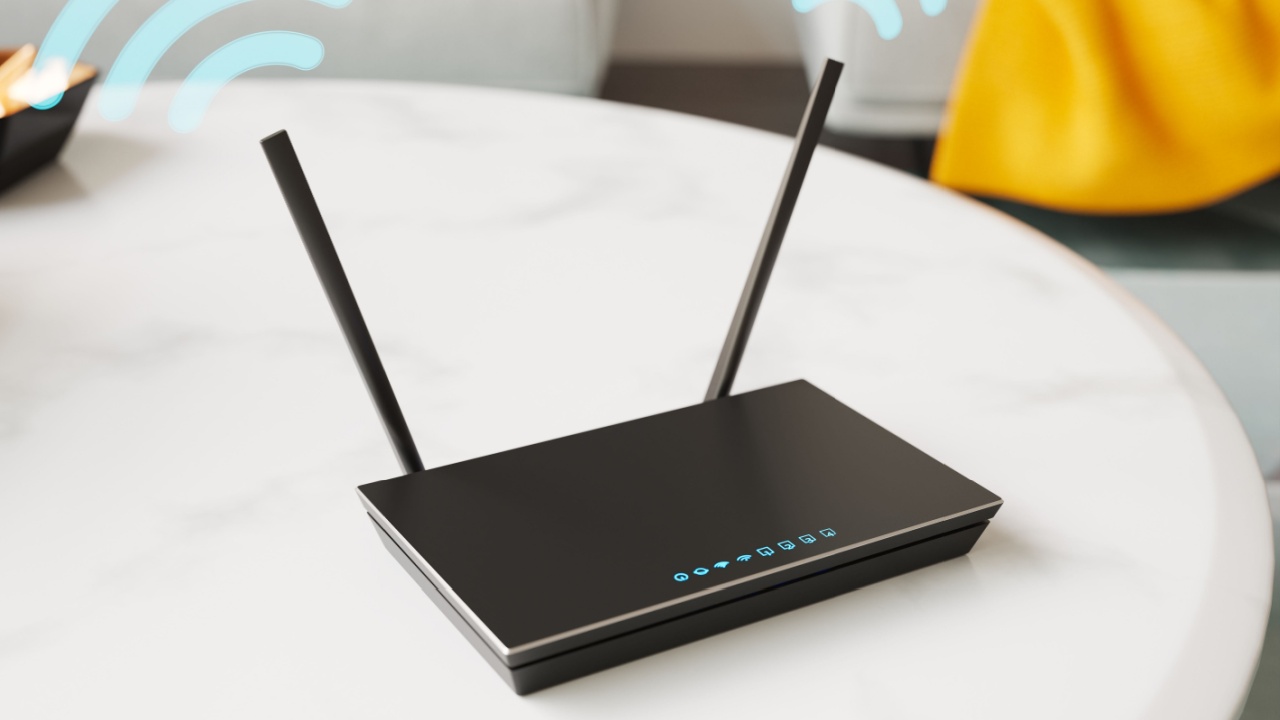
Also flagged in the FBI advisory is the Linksys E2500, another router from 2011. Once hijacked, malware installed on this device frequently communicates with external command-and-control servers, maintaining an active, malicious connection. This can turn your network into part of a larger botnet used for criminal activities.
If you’re using this model, unplug it from the power source immediately to sever any existing malicious ties. Consider upgrading to a modern mesh network system. Not only do these systems provide better, more consistent Wi-Fi coverage throughout your home, but they often include features like active threat monitoring and automatic updates.
3. Linksys E4200

This dual-band device was a popular choice over a decade ago for its performance. Today, however, its outdated firmware is a major liability. The lack of security patches leaves the entire home network exposed to botnet recruitment, where your router can be used to launch attacks on other systems without your knowledge.
Protect your personal data by switching to hardware from a manufacturer that guarantees automatic background patching. This ensures your router is always running the latest, most secure firmware. It’s also a good practice to check the manufacturer’s website frequently for end-of-life status announcements for your devices.
4. Linksys WRT320N

Released in 2009, this router simply doesn’t have the modern defenses needed to protect against today’s cyber threats. Hackers can exploit known weaknesses in its management software to turn your router into a proxy server. This means they can route their internet traffic through your network, effectively hiding their criminal activities behind your IP address.
The only truly safe option is to stop using this hardware altogether. Please recycle it responsibly at a local e-waste facility. When you set up your new router, make sure your first step is to disable any remote management features in the settings to block outside attempts to change your configuration.
5. Linksys M10
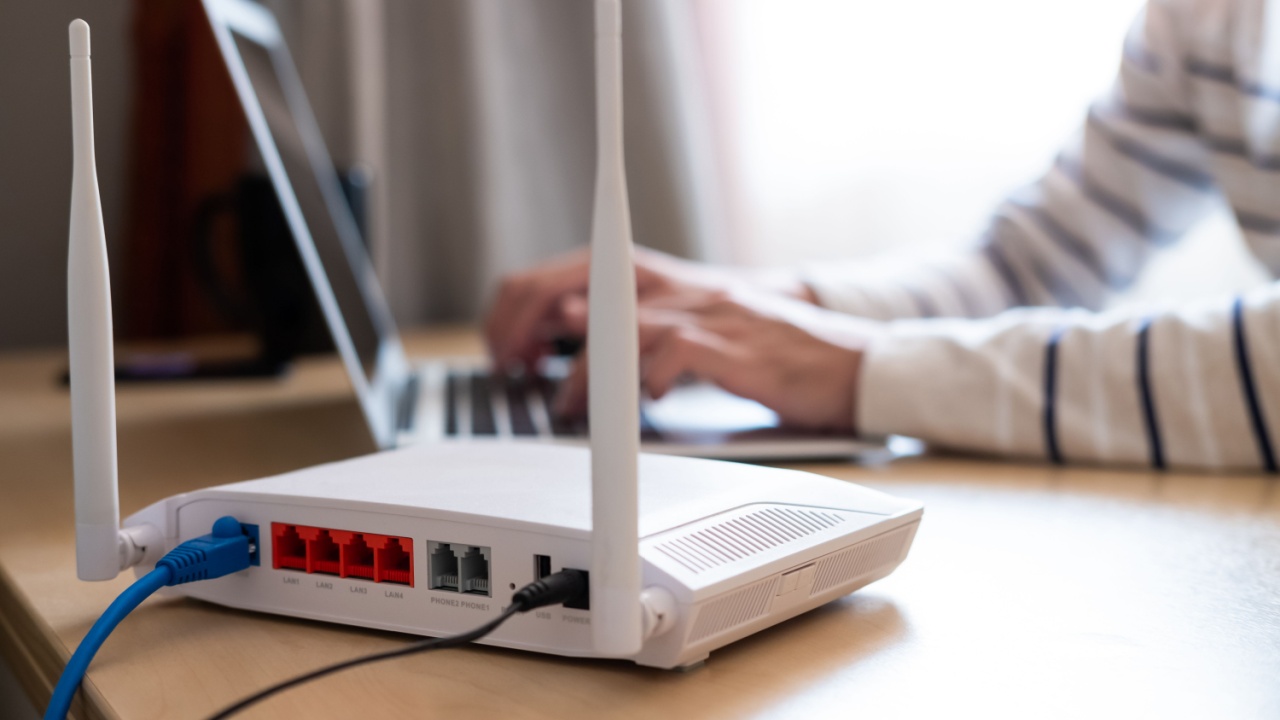
The 2010 Linksys M10 model is highly susceptible to a hostile takeover. A significant danger is that traditional antivirus software installed on your computers and phones cannot scan networking hardware. This means an infection on the router can remain entirely undetected while it compromises all connected devices.
Securing your connection requires investing in current technology. When you install new hardware, make it a priority to change the default login credentials immediately. Using a strong, unique password for your router’s admin panel prevents easy unauthorized access.
6. Legacy Netgear N-Series Routers

Similar to the flagged Linksys models, many Netgear devices from the early 2010s have reached the end of their support lifecycles. Routers like the N300, N600, and others from that era carry identical risks of being absorbed into large-scale cyber attacks due to unpatched firmware.
Check the label on the bottom of your router to verify the manufacturing date and model number. If the hardware is more than seven years old, it’s highly recommended to purchase a current-generation Wi-Fi 6 or Wi-Fi 7 option to benefit from the latest security and performance standards.
7. Outdated D-Link Wireless N Models

Threat actors actively target older D-Link units, particularly those with exposed remote administration tools. Without a stream of active security patches from the manufacturer, these devices serve as open doors for illicit proxy routing and other network intrusions.
Protect all the devices on your network, from smartphones and laptops to smart home gadgets- by upgrading the central hub. When configuring your new router, turn on the guest network feature for visitors. This isolates their traffic from your primary network, protecting sensitive personal data from potential threats on their devices.
How to Secure Your Home Network- 1. Keep Your Firmware Updated

Beyond replacing outdated hardware, you can take several steps to bolster your network’s defenses.
For routers that are still supported by the manufacturer, ensure that you are running the latest firmware. Many modern routers can be set to update automatically.
If not, make a habit of logging into the admin panel once a month to check for and install any available updates. These patches often fix critical security vulnerabilities discovered by researchers.
2. Use Strong Encryption and Passwords

Always use the strongest encryption method available on your router, ideally WPA3. If your router only supports WPA2, ensure it is using AES encryption, not the older and less secure TKIP protocol.
Couple this with a long, complex, and unique password for your Wi-Fi network. Avoid common words or personal information.
3. Change Default Router Credentials

Every router comes with a default username and password for accessing its administrative settings (e.g., “admin”/”password”).
These are publicly known and are often the first thing an attacker will try. Change these credentials to something unique and secure as soon as you set up your router.
4. Disable Unnecessary Features

Modern routers come with a host of features you may not need. Features like Universal Plug and Play (UPnP), Wi-Fi Protected Setup (WPS), and remote administration can be convenient, but they also introduce potential security risks. If you don’t use them, disable them in your router’s settings.
Don’t Let Your Old Router Be a Welcome Mat for Hackers

Leaving outdated electronics plugged in creates unnecessary and severe risks for any household. Review the hardware currently managing your internet connection and swap out any obsolete units.
By investing in a highly-rated, modern Wi-Fi solution today, you can keep malicious actors completely locked out of your digital life.
Read More: