16 Household Items Secretly Sabotaging WiFi Connection and Speed
Ever had your TV buffer during a crucial news update or an online meeting suddenly drop? Sometimes, the internet has been slow or down for a while, and you can’t quite put your finger on the cause. Many people instantly blame their internet service provider for the lagging connection. However, the actual culprit often hides right inside the house.
Wireless routers send internet data using radio waves that travel through the air to nearby devices. These signals can weaken when they pass through certain materials such as metal, dense walls, or large amounts of water. They can also be affected by interference from other electronic devices that use similar radio frequencies.
This guide examines 16 everyday objects that (subtly) destroy a wireless signal. Read on to discover exactly how each item disrupts the connection, along with practical actions to take immediately to restore full internet speed.
1. Microwaves

Microwave ovens operate on a 2.4 GHz frequency, which matches the exact frequency band used by standard wireless routers. When you heat up a meal, the appliance emits intense electromagnetic radiation that jams the router’s signal. This radiation leakage creates a dead zone, interrupting downloads and disconnecting devices across the house.
To stop this problem, position the router far away from the kitchen area. Upgrading to a dual-band router and switching your primary devices to the 5 GHz band will completely bypass the 2.4 GHz traffic jam caused by the appliance.
2. Fish Tanks

Large volumes of water act as an impenetrable wall for wireless radio waves. When a signal hits a fish tank, the liquid absorbs the frequencies instead of letting them pass through to the other side. A massive aquarium placed directly in the center of a home will effectively block the internet from reaching rooms on the opposite side.
Moving the router to a higher shelf often allows the signal to travel over the tank instead of directly into the water. If relocating the equipment is impossible, installing a signal repeater in an adjacent hallway can route the connection around the aquarium entirely.
3. Mirrors

Mirrors most often consist of a thin layer of highly conductive metal backing attached to a sheet of glass. This metallic layer acts as a reflective shield that bounces wireless signals away instead of letting them travel forward. Large wall mirrors or mirrored closet doors create significant blind spots by reflecting the waves back toward the source.
Keep your router away from dressing rooms or hallways lined with decorative mirrors. If a home office suffers from poor connectivity, check the walls directly between the computer and the router to see if a large mirror needs to be relocated.
4. Baby Monitors
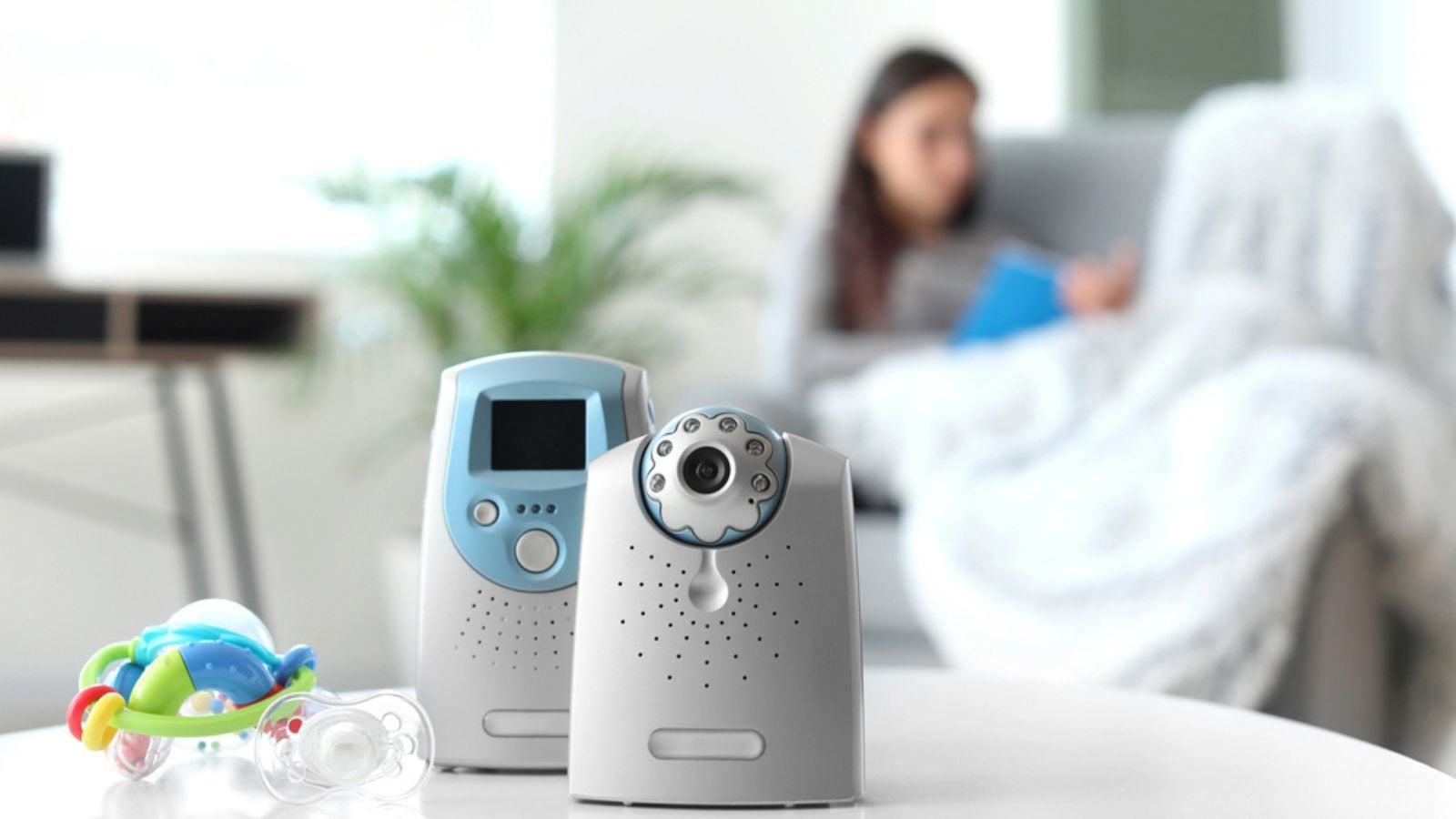
Many standard baby monitors broadcast audio and video using the same 2.4 GHz frequency channel as older wireless internet setups. Because these devices transmit a continuous stream of data, they constantly crowd the airspace. This constant broadcasting creates severe network congestion, slowing down internet speeds for everyone else in the house.
Check the frequency settings on your baby monitor to see if it allows for adjustments. Switching the monitor to a 900 MHz channel can eliminate the frequency conflict. Another option is moving your smartphones and laptops to a 5 GHz router connection.
5. Bluetooth Devices

Wireless mice, keyboards, and gaming controllers utilize Bluetooth technology to communicate with computers. Bluetooth also shares the crowded 2.4 GHz spectrum, occasionally causing brief interruptions when multiple gadgets operate simultaneously. While modern Bluetooth implements frequency hopping to reduce interference, a large cluster of these gadgets will still degrade nearby wireless internet speeds.
Limit the number of active Bluetooth connections operating near your primary workstation. Turning off unused wireless accessories can help reduce interference. Using wired keyboards or mice can also improve a weak internet connection for a desktop computer.
6. Metal Furniture and Decor

Heavy metal absorbs and deflects electromagnetic waves with high efficiency. Filing cabinets, metal shelving units, and iron bed frames create solid barriers that severely weaken a wireless signal passing through them. A router placed directly on top of a metal desk will struggle to transmit a clear connection to the rest of the building.
Always place internet equipment on wooden or glass surfaces rather than metal ones. Moving heavy steel furniture away from the direct path between the router and your main living areas can improve network range. Even small adjustments in placement can reduce signal blockage and strengthen Wi-Fi coverage throughout the room.
7. Solid Brick and Concrete Walls

Homes constructed with thick brick, concrete, or stone interior walls naturally restrict the flow of radio frequencies. These dense building materials absorb the wireless waves much faster than standard drywall or wood. A signal trying to penetrate multiple concrete walls will lose a massive percentage of its strength before reaching a connected device.
To conquer heavy masonry, invest in a mesh internet system that uses multiple nodes placed throughout the home. Hardwiring these nodes directly to the main modem using Ethernet cables bypasses thick walls. This provides a stable, full-speed connection throughout the network.
8. Cheap Power Adapters

Low-quality electrical adapters and off-brand power supply units often lack proper electromagnetic shielding. When plugged into a wall outlet, these cheap components emit unintended radio frequency noise that muddies the airwaves. This electronic static can severely disrupt a wireless connection if the router sits near the faulty adapter.
Always use the original power cable provided by the router manufacturer. Replacing unbranded or damaged power supplies for nearby electronics will clean up the local airwaves and stop sudden internet dropouts.
9. Cordless Phones

Traditional cordless landline phones are notorious for crushing wireless internet speeds. The base station for these phones constantly communicates with the handsets using 2.4 GHz or 5.8 GHz frequencies. Whenever someone receives a call, the active phone line can completely knock nearby computers off the local network.
Upgrading to DECT 6.0 cordless phones solves this issue entirely, as they operate on an exclusive 1.9 GHz band. Alternatively, keeping the phone’s base station in a completely different room from the internet equipment will minimize the interference.
10. Poorly Shielded Cables
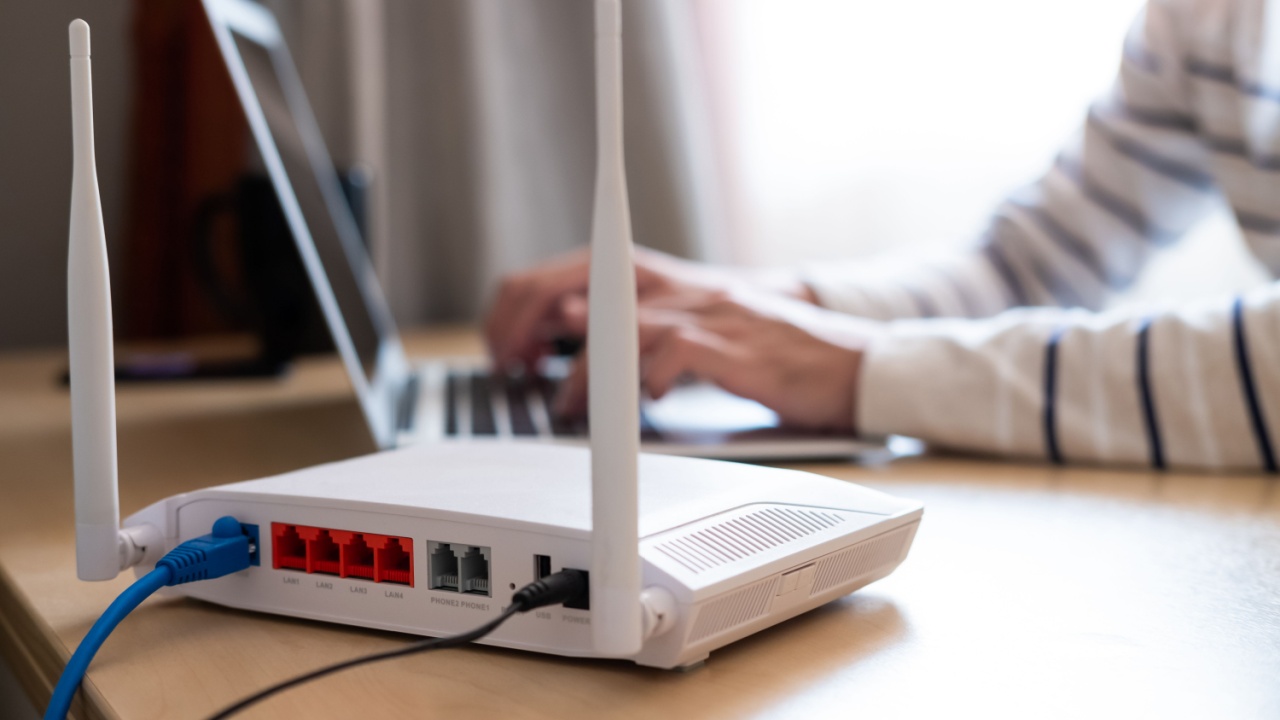
Damaged or low-quality coaxial and Ethernet cables leak signal noise directly into the surrounding environment. If the cables running into the back of your modem lack proper insulation, they create an electromagnetic field that interferes with the router’s antennas. This self-inflicted interference reduces the overall range and speed of the entire network.
Inspect all cables connected to your networking hardware for visible signs of wear, deep bends, or exposed wires. Replacing old wiring with heavily shielded Cat6 Ethernet cables guarantees a clean data transfer without polluting the local airspace.
11. LCD Screens and Monitors
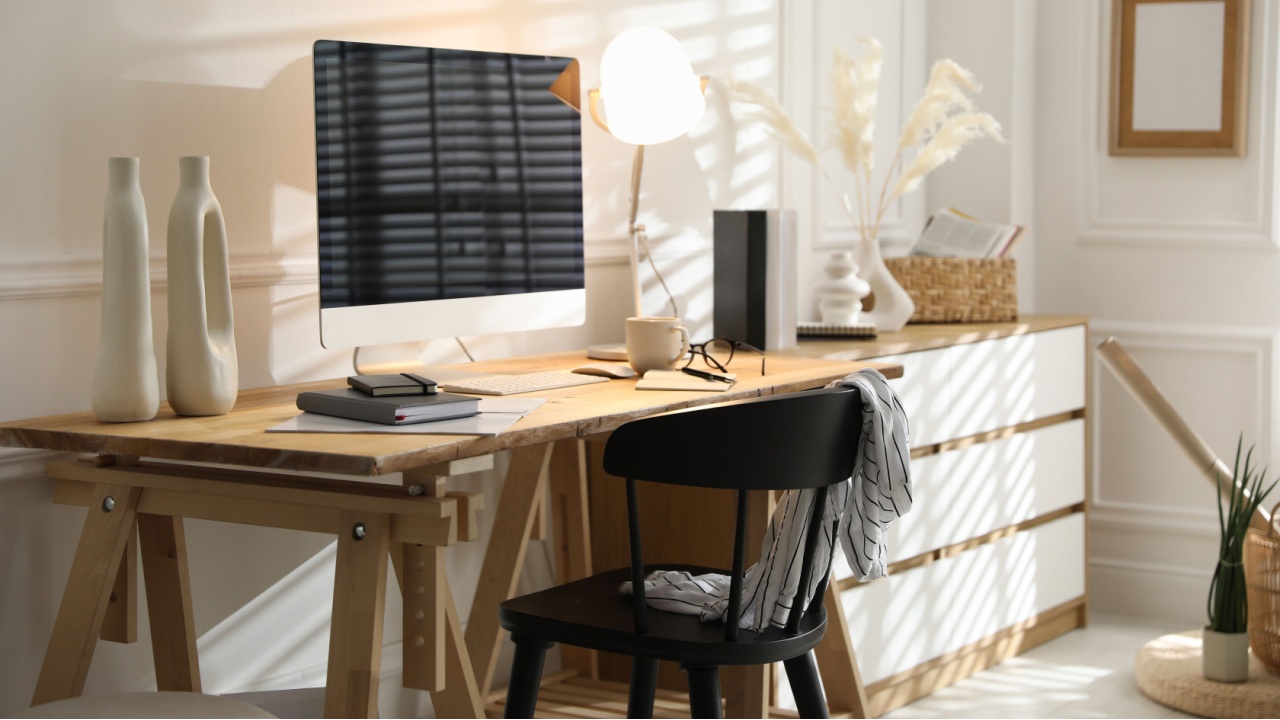
Large flat-screen televisions and computer monitors emit harmonic interference from their internal power inverters and digital circuits. If a router sits directly behind a massive modern television, the display panel itself blocks the physical path of the signal. The electrical noise generated by the screen further degrades the connection quality.
Never hide a wireless router directly behind a television or a large computer monitor. Placing the router out in the open, at least a few feet from large displays, improves signal strength and connection reliability.
12. Wireless Speakers
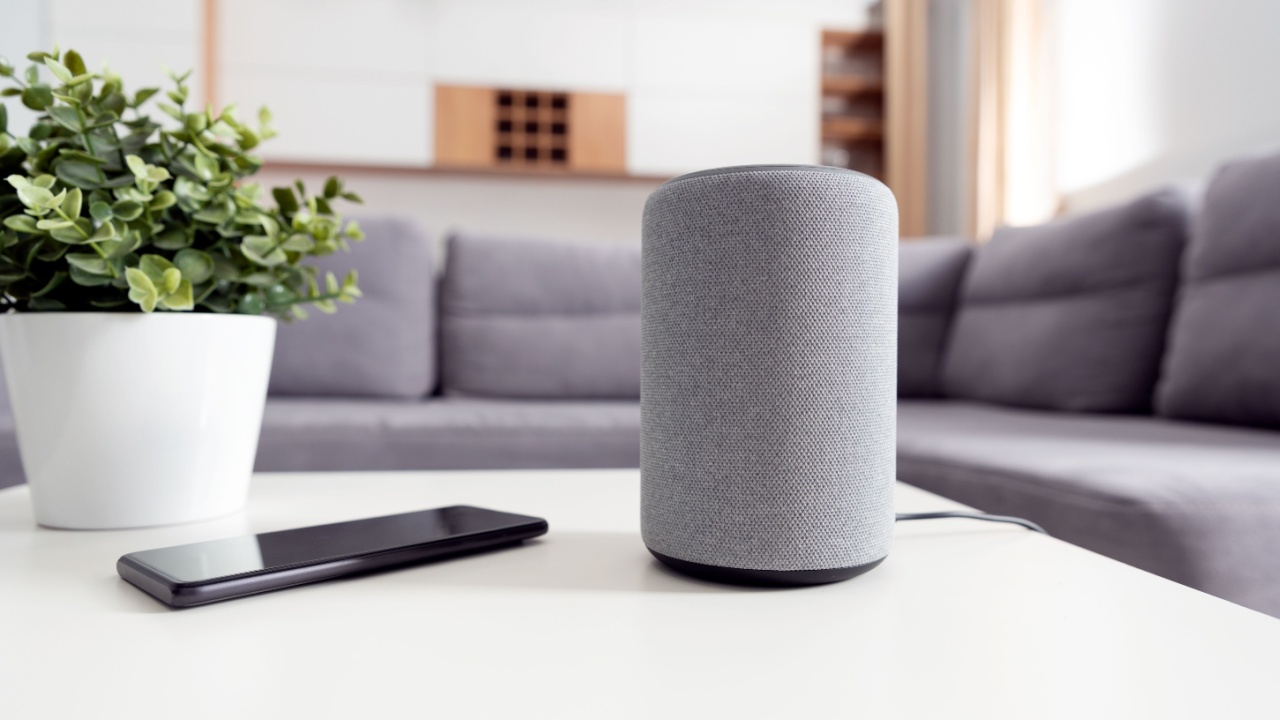
Home theater sound systems and wireless multi-room speakers require constant, heavy data streams to play audio without lagging. These systems often create their own hidden wireless networks to sync the left and right audio channels perfectly. This hidden network competes directly with your main internet connection for available bandwidth and airspace.
Wiring the stationary speakers directly to the receiver using high-quality copper wire removes this specific burden from the wireless spectrum. If wireless speakers are strictly necessary, assign them to a dedicated channel far away from the one your main computers use.
13. Wireless CCTV Cameras

Security cameras that stream high-definition video back to a base station demand a massive amount of wireless bandwidth. Multiple cameras placed around the perimeter of a house will completely flood the network with constant video uploads. This continuous heavy lifting leaves very little room for smartphones or laptops to download basic web pages.
Connecting security cameras to a dedicated hardwired power over Ethernet system removes their massive data load from the wireless network. For battery-operated cameras, dropping the recording resolution slightly can drastically free up available airspace.
14. Christmas Lights

Holiday light strands contain hundreds of unshielded electrical wires connected to flashing bulbs. The constant turning on and off of these tiny lights generates localized electromagnetic fields that scatter nearby radio waves. Wrapping a staircase or a doorway near your internet equipment with these decorations will easily frustrate your connection.
Keep festive lighting installations far away from the home office and the main internet hardware. If holiday lights cause sudden internet issues, swapping cheap flashing strands for higher-quality, static LED lights can reduce the electrical noise.
15. Neighboring WiFi Networks

In densely populated neighborhoods or apartment complexes, dozens of individual wireless networks overlap with each other. If your router broadcasts on the exact same channel as the routers in adjacent apartments, the competing signals confuse your devices. This overlapping congestion leads to high latency and dropped connections during peak evening hours.
To mitigate neighboring WiFi interference, scan for nearby networks using a WiFi analyzer app and select a less-crowded channel like 1, 6, or 11 on the 2.4 GHz band. Switch your devices and router to the 5 GHz band for cleaner signals despite its shorter range. For advanced fixes, upgrade to a mesh WiFi system for better coverage or reduce your router’s transmit power to minimize signal overlap with neighbors.
16. Large Kitchen Appliances

Massive metal kitchen appliances like refrigerators, dishwashers, and ovens act as solid steel barricades against radio waves. A refrigerator also contains liquid coolant and water lines, combining the signal-blocking properties of heavy metal and dense liquids. A kitchen loaded with modern appliances creates a massive void where wireless signals simply cannot survive.
Design your home network layout so the signal never has to cross directly through the kitchen to reach other rooms. Placing the router in a central, open location prevents major appliances from casting a long wireless shadow across the house.
Overcoming Connection Obstacles

Identifying the everyday objects that block internet signals remains the most critical action for maintaining fast download speeds. By recognizing how water, metal, and competing electronics disrupt invisible radio waves, a frustrating home network suddenly becomes very easy to fix.
Take a quick walk through your house and physically inspect the area surrounding your internet equipment. Moving the router to a high, open shelf away from microwaves, mirrors, and dense walls will instantly transform your daily browsing experience.
Read More: