12 Ways to Go Paperless and Ditch the Piles
Are you tired of tripping over stacks of mail, misplacing important documents, and feeling overwhelmed by the sheer volume of paper in your life? It’s a common struggle, but there’s a simple solution: going paperless. Embracing a digital lifestyle not only frees up physical space but also saves time, increases security, and helps the environment. The average American uses about 700 pounds of paper per year, contributing to significant deforestation and waste.
By making a few key changes, you can drastically reduce your paper consumption and create a more organized, efficient home.
Where We Got This Info

We pulled together these tips from a mix of trusted places: government reports, sustainability experts, and everyday consumer advice. The numbers on paper use come from national environmental data, while the practical steps like going digital with banking, receipts, and calendars are based on widely recommended best practices.
1. Switch to Digital Banking and Payments

Drowning in a sea of bank statements and bills? It’s time to go digital. Switch to paperless statements and online bill pay to stop the mail madness. Most companies make it easy, just a few clicks in your account settings. You’ll declutter your desk, boost your security, and have instant access to your records. It’s a win-win.
- Why it’s a good option: It automates your financial life, provides instant access to your records from anywhere, and reduces the risk of mail fraud.
- Next steps: Log in to your online banking and utility accounts and look for the “paperless settings” or “e-statements” option. It usually only takes a few clicks to make the switch for each account.
2. Digitize Your Important Documents

What about the paper you already have? Tax returns, medical records, birth certificates, and receipts can create intimidating piles. The fix? Digitize them. Use a scanner or a smartphone app (like Adobe Scan or Microsoft Office Lens) to turn physical papers into digital files.
Store them in organized folders on a cloud service like Google Drive or Dropbox. This makes your documents searchable and accessible anywhere, and keeps them safe from physical damage like fires or floods.
- Why it’s a good option: It creates a secure, searchable, and backed-up archive of your most important information, freeing up valuable space in your home.
- Care tips: For official documents like birth certificates or property deeds, always keep the original hard copy in a safe place, even after you’ve digitized it.
3. Embrace Digital Note-Taking

If sticky notes and scattered notepads are taking over your desk, it’s time to go digital! Apps like Evernote, Notion, and OneNote help you organize your thoughts, create to-do lists, and save web articles, all in one place.
Plus, your notes sync across devices, so you’re always prepared whether you’re at your desk or on the go. Clean up your workspace and make your notes work smarter!
- Why it’s a good option: Digital notes are searchable, easily organized, and always available. You’ll never lose an important idea on a misplaced scrap of paper again.
- Next steps: Experiment with a few different note-taking apps to find one that fits your style. Start by transferring one or two of your current paper lists to see how it feels.
4. Unsubscribe From Junk Mail

Junk mail is a massive source of paper waste. Catalogs, flyers, and credit card offers you never asked for can clog your mailbox daily. Fortunately, there are services designed to stop it.
Websites like DMAchoice.org and CatalogChoice.org allow you to opt out of many national mailing lists for free. While it might take a few weeks to see the full effect, taking this step can significantly reduce the amount of unsolicited paper coming into your home.
- Why it’s a good option: It stops the problem at the source, saving trees and saving you the time it takes to sort and recycle unwanted mail.
- Next steps: Visit the opt-out websites and register your name and address. For any stray pieces that still arrive, look for an 800-number or website on the mailer to contact the company directly and ask to be removed from their list.
5. Use Digital Signatures
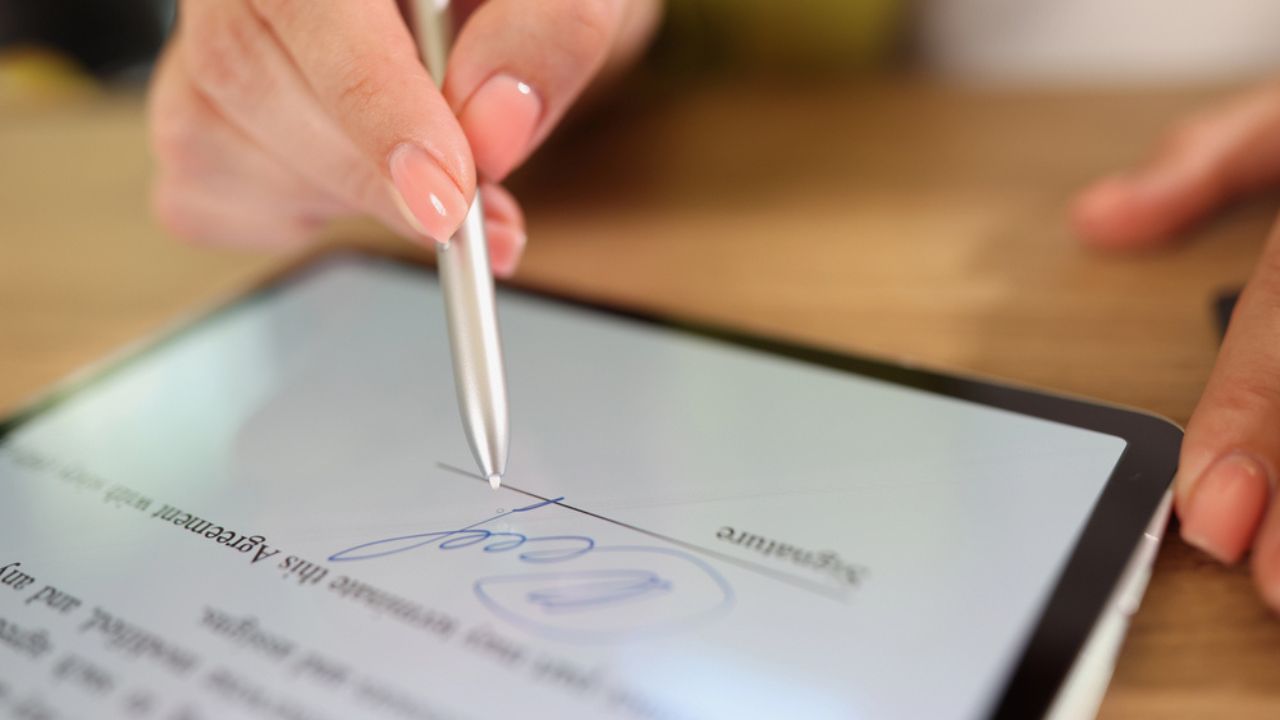
How many times have you printed a document just to sign it, only to scan it and email it back? Using e-signatures eliminates this wasteful step. Services like Adobe Sign or DocuSign allow you to securely and legally sign documents electronically.
Many platforms, including Adobe’s free PDF reader, now have built-in “Fill & Sign” tools that let you add your signature to any PDF file. This is perfect for contracts, permission slips, and other forms that require a signature.
- Why it’s a good option: E-signatures save time, paper, and ink, streamlining approvals and making it easier to manage documents from anywhere.
- Care tips: For highly sensitive or legal documents, ensure the e-signature service you use complies with relevant laws in your region to ensure the signature is legally binding.
6. Read News and Magazines Online

Do you have stacks of old newspapers and magazines creating clutter? Consider switching to their digital counterparts. Many major publications offer digital subscriptions, giving you access to content online or through an app.
Not only is this more eco-friendly, but digital articles are often more interactive. Services like Apple News+ or Flipboard also bundle thousands of magazines and newspapers into a single subscription.
- Why it’s a good option: You get instant access to a wider range of content without the physical clutter. Plus, you can easily search for and save articles you want to revisit.
- Next steps: Cancel your print subscriptions and explore the digital options offered by your favorite publications. Check your local library, too—many offer free access to digital magazines through apps like Libby.
7. Use a Digital Calendar
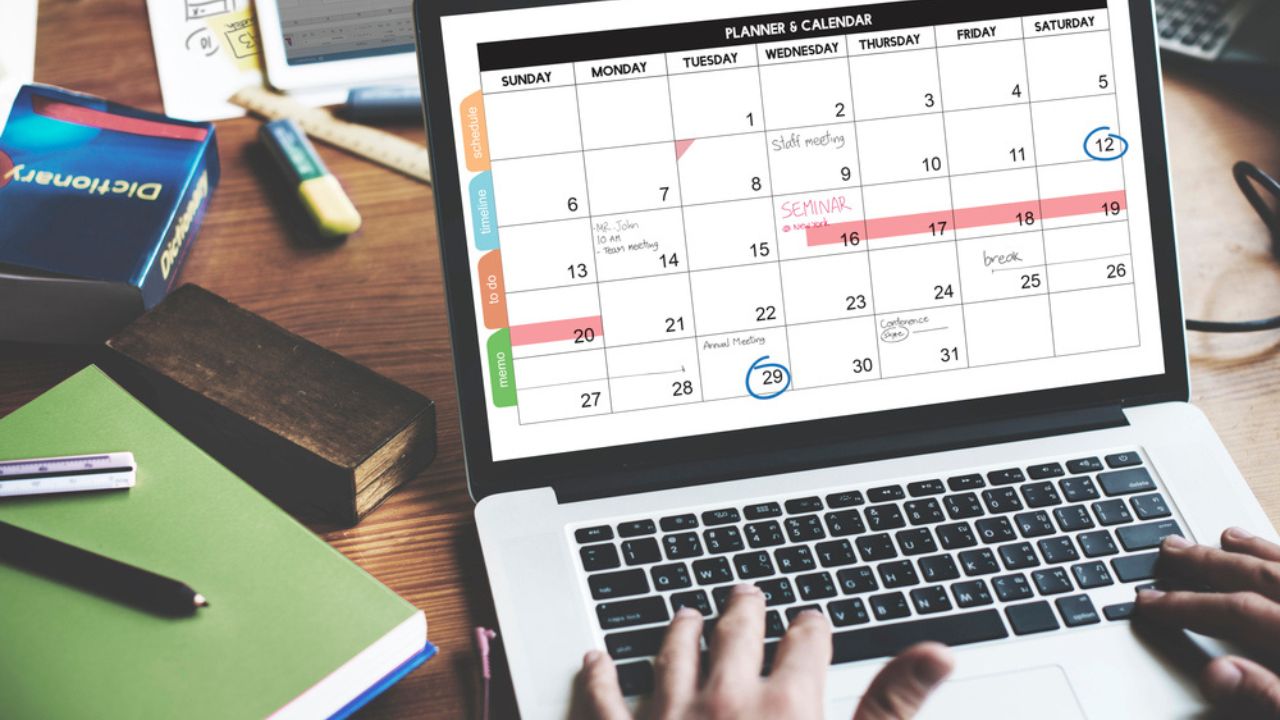
Wall calendars and paper planners can be beautiful, but a digital calendar is far more practical and sustainable. Using a digital calendar like Google Calendar or Apple Calendar allows you to schedule events, set reminders, and share your schedule with family members or colleagues.
Appointments are easily color-coded, moved with a simple drag-and-drop, and accessible from your phone, computer, and smart home devices.
- Why it’s a good option: It syncs across all your devices, sends you timely reminders so you never miss an appointment, and makes coordinating schedules with others effortless.
- Next steps: Choose a calendar app that integrates well with your devices. Spend an hour transferring all the birthdays, appointments, and deadlines from your paper calendar to your new digital one.
8. Switch to Digital Business Cards

In a professional setting, business cards are a classic networking tool, but they often end up lost or thrown away. Digital business cards are a modern, paper-free alternative.
Apps like HiHello or Blinq allow you to create a virtual card with your contact information, social media links, and more. You can share it instantly via a QR code or text message, and the recipient can save your details directly to their phone’s contacts.
- Why it’s a good option: It’s impressive, eco-friendly, and ensures your contact information is saved correctly every time. You can also update your information without having to print a new batch of cards.
- Next steps: Download a digital business card app and design your card. The next time you’re at a networking event, try sharing your QR code instead of a paper card.
9. Use Digital Coupons and Loyalty Cards

Is your wallet overflowing with crumpled coupons and a dozen different plastic loyalty cards? Go digital! Most major retailers now offer digital coupons through their apps, and many loyalty programs can be added to your phone’s digital wallet, like Apple Wallet or Google Pay. This declutters your wallet and ensures you never miss a deal because you left the right coupon at home.
- Why it’s a good option: It keeps all your discounts and loyalty points in one convenient, easy-to-access place on your phone.
- Next steps: Download the apps for your favorite grocery and retail stores. Take an afternoon to go through your physical cards and add them to your phone’s digital wallet or sign up for the digital version of the loyalty program.
10. Store Manuals and Warranties Digitally

When you buy a new appliance or gadget, it comes with a thick instruction manual and warranty information that usually ends up in a “junk drawer.” Instead of keeping the paper copy, find the digital version.
Most manufacturers post PDF versions of their manuals on their websites. Download them and save them to a dedicated folder in your cloud storage. For warranties, use a scanner app to digitize the receipt and warranty card.
- Why it’s a good option: You can easily search a digital manual for specific instructions, and you’ll never have to tear your house apart looking for that warranty information again.
- Next steps: The next time you buy something, immediately search for the manual online and save it. For existing items, search for the model number online to find and download the corresponding manual.
11. Request Digital Receipts

Many stores, from big-box retailers to small coffee shops, now offer the option to have your receipt emailed or texted to you. Always say yes! Paper receipts, especially those printed on thermal paper, are often not recyclable and fade over time.
A digital receipt, on the other hand, is a permanent record of your purchase that’s easy to file away for returns or expense tracking.
- Why it’s a good option: It reduces paper waste and creates a searchable digital trail of your purchases without cluttering your wallet or drawers.
- Care tips: Consider creating a separate email folder or using a dedicated email address for receipts to keep your primary inbox from getting cluttered.
12. Use a Smart Whiteboard for Brainstorming
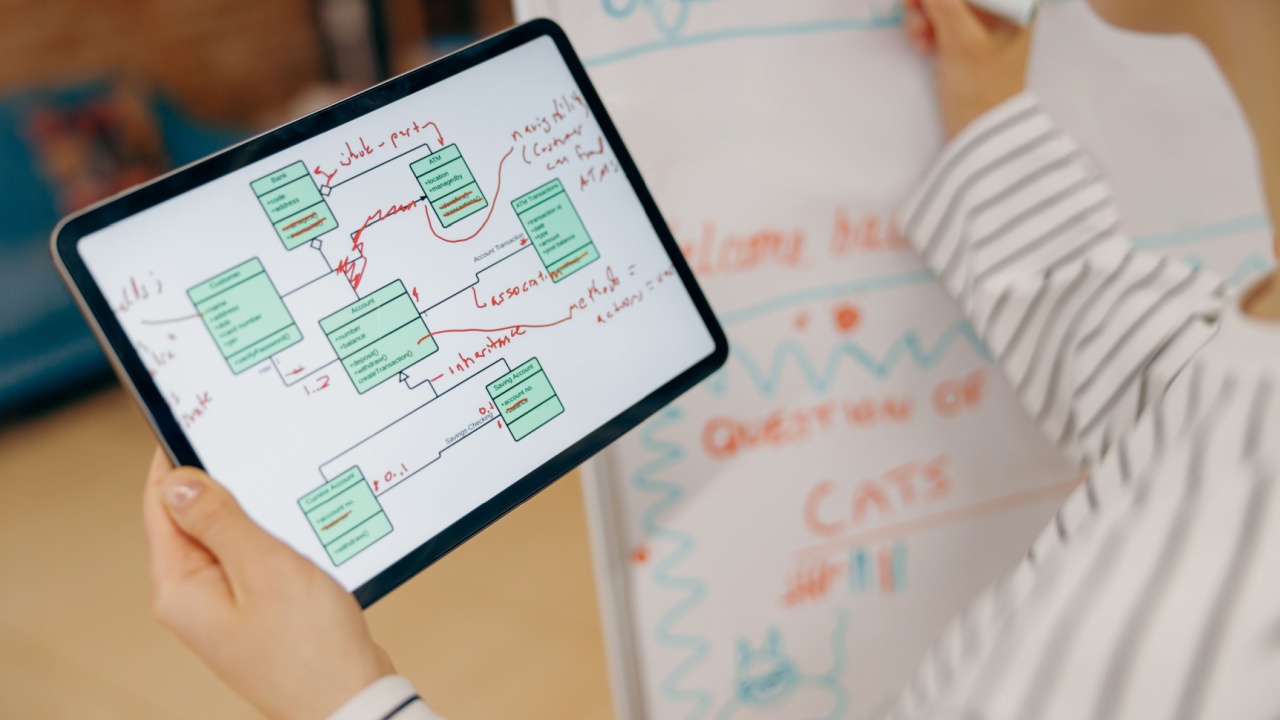
For those who love to brainstorm or sketch out ideas visually, a traditional whiteboard can lead to taking photos of the board or transcribing notes onto paper. A smart whiteboard or digital drawing pad takes this to the next level.
Devices like the Rocketbook or a tablet with a stylus allow you to write and draw freely, then instantly send your notes to a designated cloud service. You can then erase the surface and start fresh without wasting any paper.
- Why it’s a good option: It provides the tactile satisfaction of writing by hand with the efficiency and organizational benefits of digital technology.
- Next steps: Explore different smart notebooks or digital whiteboard options to find one that fits your budget and needs. It’s a great tool for students, creatives, and professionals alike.
Ready to Ditch the Paper?

Going paperless doesn’t have to be an all-or-nothing mission. By starting with one or two of these strategies and gradually incorporating more, you can significantly reduce the paper in your life. Start by tackling your mail or your note-taking habits, and before you know it, you’ll have a more organized, efficient, and clutter-free home.