
Ditch Wi-Fi Dead Spots and Frustrated Guests With This Extender
We all know the specific kind of dread that sets in when family comes to visit. It’s not the cooking, the cleaning, or the political debates at the dinner table. It’s the inevitable question that comes five minutes after they walk through the door: “What’s the WiFi password?”
You give it to them. They connect. And then, the complaints start.
“It’s not loading in the guest room.”
“I can’t stream my show in the garage.”
“Why does the video call keep dropping on the patio?”
Suddenly, your relaxing holiday break turns into tech support duty. You find yourself rebooting the router, moving furniture, and apologizing for the infrastructure of your own home. It’s frustrating, it’s embarrassing, and frankly, it’s unnecessary.
If you have dead zones in your house, you aren’t alone. But you also don’t have to live with it. The TP-Link AX1500 WiFi 6 Extender is the simple, effective solution that pushes fast, reliable coverage exactly where it’s needed, wiping out those dead zones for good.
Why Dead Zones Happen (and Why They Are So Annoying)
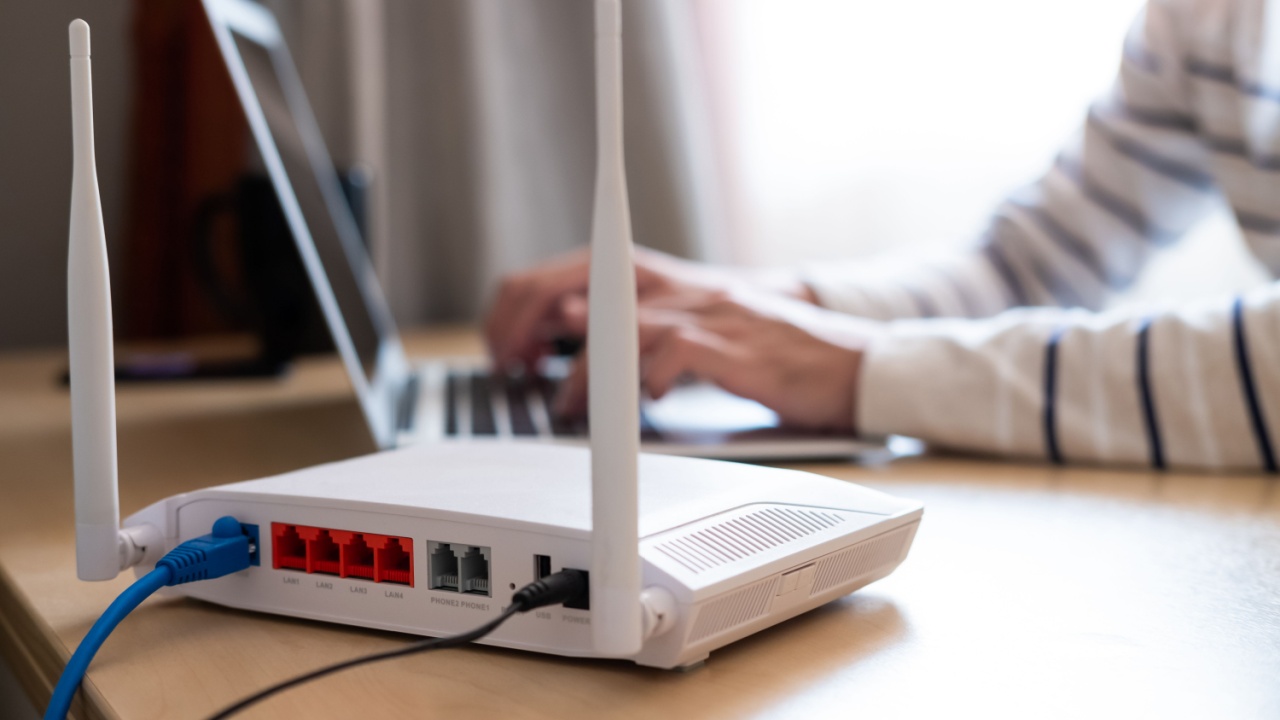
WiFi signals are radio waves, and like any radio wave, they struggle with obstacles. Thick concrete walls, metal appliances, large mirrors, and even fish tanks can disrupt the signal as it travels from your router to your device.
Distance is the other enemy. Most standard routers have a limited range. If your router is in the living room on one side of the house, the signal has to fight through walls, doors, and furniture to reach the bedroom on the far side. By the time it gets there, it’s weak, unstable, and prone to dropping.
This results in buffering videos, laggy games, and the dreaded spinning wheel of death right when you’re trying to send an important email.
Meet the TP-Link AX1500 WiFi 6 Extender

The TP-Link AX1500 is designed specifically for homes where the WiFi struggles to reach every corner. It acts as a bridge, capturing the signal from your main router and boosting it further into your home.
It isn’t just about getting some signal; it’s about getting a usable signal. Here is why this specific extender stands out as a top-tier gift for yourself or the tech-challenged people in your life.
1. Massive Coverage Expansion

The headline feature here is the range. This device is designed to extend reliable coverage up to 1,500 square feet. To put that in perspective, that’s larger than many two-bedroom apartments.
It uses high-gain antennas to beam the signal into hard-to-reach areas. I am talking about the guest bedroom at the end of the hall, the basement that usually feels like a bunker, or even the garage where you’re trying to follow a YouTube tutorial on fixing the car.
2. The Power of WiFi 6

Not all extenders are created equal. Older models often slowed down your connection significantly in the process of extending it. The AX1500 uses WiFi 6 technology (802.11ax), which is the modern standard for wireless internet.
This means it supports speeds up to 1.5 Gbps. While an extender cannot physically make your internet speed faster than what your ISP provides, it preserves the speed you pay for. It handles data more efficiently, meaning less congestion when multiple devices are fighting for bandwidth.
3. Dual-Band Reliability

This extender operates on two bands: 2.4GHz and 5GHz.
- 2.4GHz: Better for range and passing through walls. Ideal for smart home devices like bulbs and plugs.
- 5GHz: Faster speeds for data-heavy tasks. Perfect for streaming 4K movies or online gaming.
The device intelligently manages these connections to keep streaming, gaming, video calls, and downloads running smoothly across multiple devices simultaneously.
A “Set It and Forget It” Solution

One of the biggest barriers to upgrading home networks is the fear of a complicated setup. Nobody wants to spend their Saturday afternoon wrestling with IP addresses and configuration pages.
The TP-Link AX1500 removes that headache. Setup takes just minutes using the TP-Link Tether app. The app guides you through the process step-by-step. Even better, it helps you find the optimal placement for the extender.
If you plug it in too close to the router, it won’t extend the range far enough. Too far away, and it can’t pick up a strong enough signal to boost. The app features a location assistant to tell you exactly where to plug it in for the best performance.
Flexibility with Gigabit Ethernet

Sometimes, wireless just doesn’t cut it. If you have a smart TV, a gaming console, or a desktop computer that needs absolute stability, wired is the way to go.
The AX1500 includes a built-in Gigabit Ethernet port. This allows you to run a cable from the extender directly to your device. It essentially turns your wired device into a wireless one, but with the stability of a physical connection. This is a game-changer for gamers who need low latency or for streaming high-bitrate content without hiccups.
Compatibility Is King
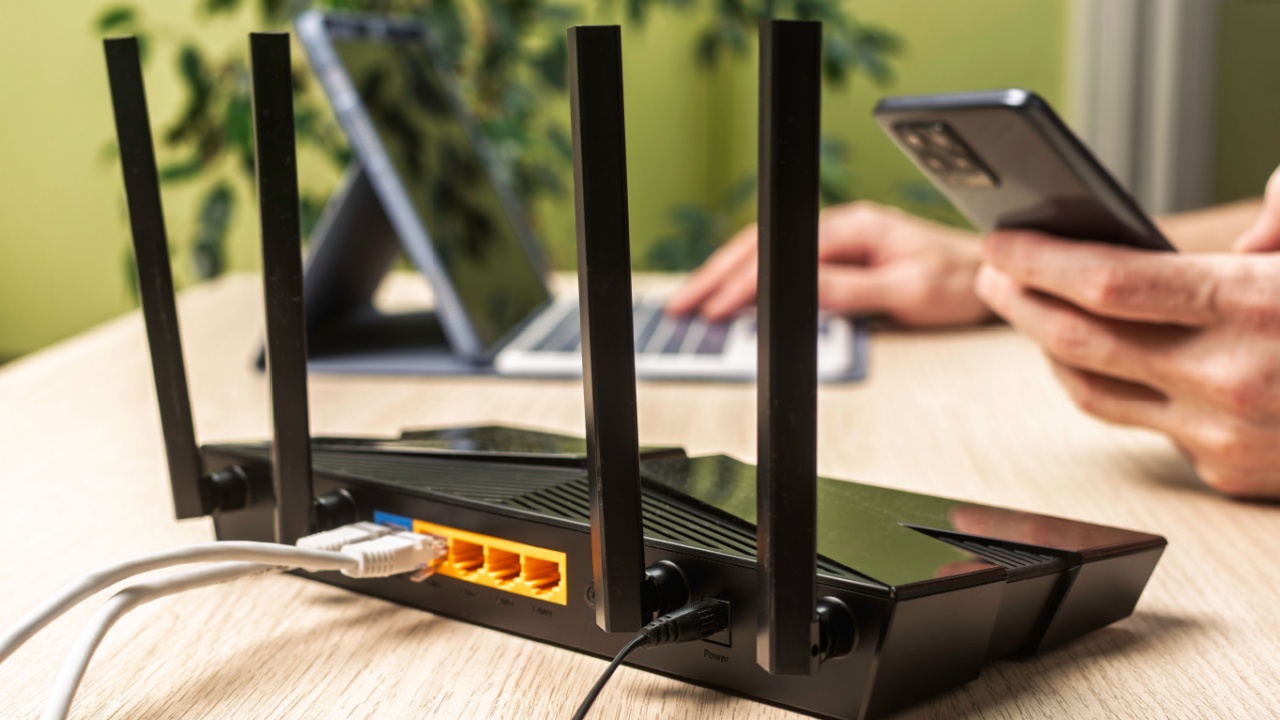
You might be wondering, “Does this work with my current router?”
The short answer is: almost certainly. The AX1500 is universally compatible. It plays nicely with standard routers and WiFi-enabled devices. You don’t need to buy a matching TP-Link router to make this work. It connects to what you already have and makes it better.
The Verdict: A Practical Upgrade That Feels Like Magic

We often buy gifts that are flashy but ultimately useless. The TP-Link AX1500 WiFi 6 Extender is the opposite. It’s a practical, “unsung” upgrade (oops, almost used a forbidden phrase there!), It’s a silent partner that makes modern life easier.
Imagine walking into the guest room, and your phone automatically connects with full bars. Imagine your kids streaming movies in the back of the house without shouting that the internet is broken. Imagine working from the patio on a sunny day without your Zoom call freezing.
It wipes out dead zones. It supports modern speeds. It’s easy to set up.
If you are tired of weak signals or want to save a friend from the misery of buffering, this is a smart, stress-saving choice. It makes daily internet use feel effortless again, which is exactly how technology should be.