

You’ve spent time and effort creating a beautiful home and a flourishing garden, a sanctuary from the outside world. But what if hidden culprits are silently draining your home’s energy and your wallet? These “energy vampires” are appliances and electronics that consume power even when they’re turned off. This standby power, or phantom load, can account for nearly a quarter of your household’s electricity use. Addressing these energy drains helps save money. Plus, it creates a more efficient and sustainable home environment, inside and out.
We’ll uncover the 11 biggest energy vampires lurking in your house and provide simple, actionable steps to stop them from trusted home experts. You’ll learn how to take control of your energy consumption, reduce waste, and make your home a smarter, greener space.
1. Entertainment and Media Centers
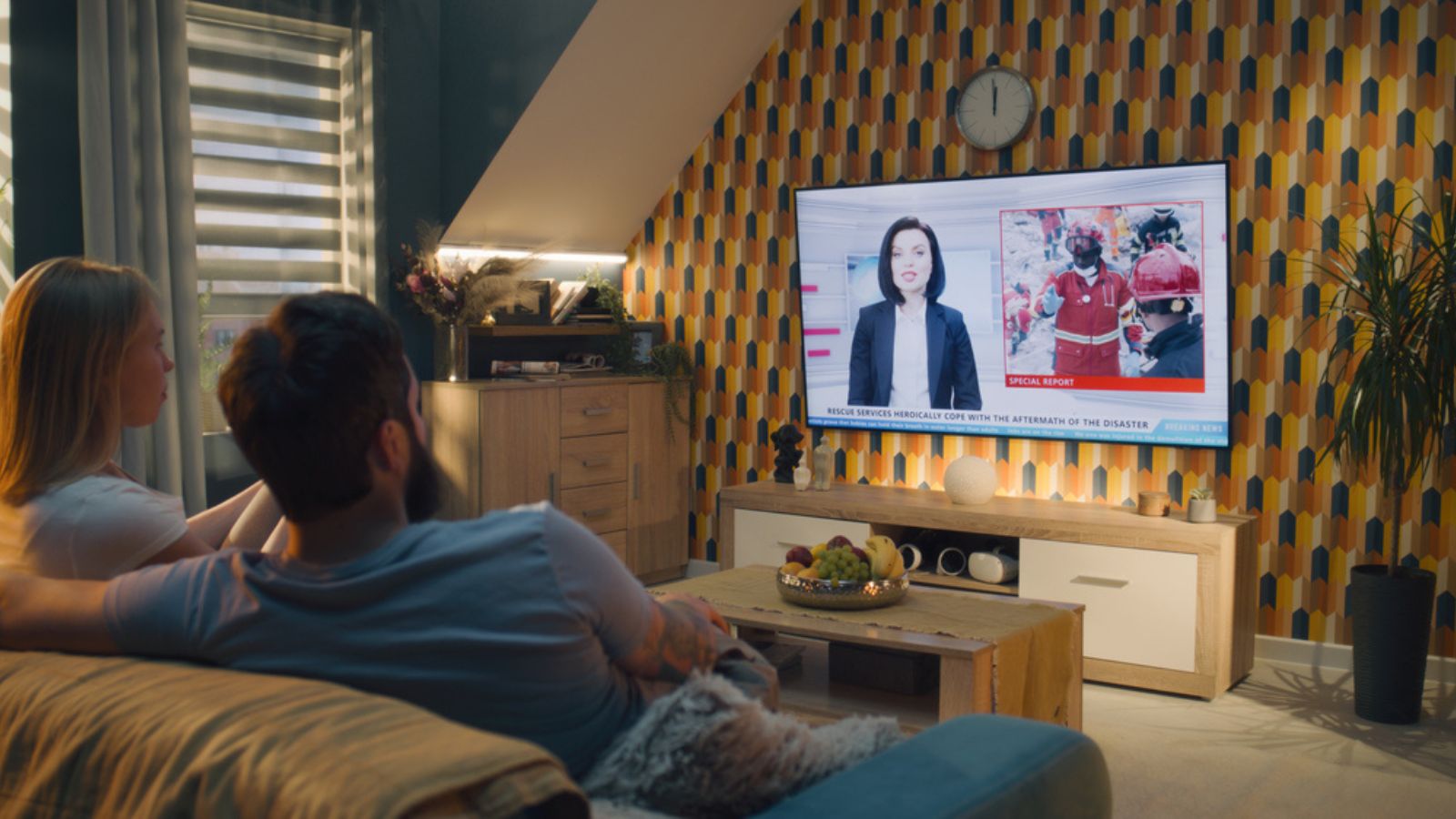
Image Credit: Depositphotos.com.
Your television, cable box, and gaming console are designed for convenience, ready to spring to life at the press of a button. This “instant-on” feature means they are never truly off. They continuously draw power to receive signals from remotes, download updates, and maintain network connections. A modern entertainment setup can be one of the biggest sources of phantom power in a home.
Unplugging these devices isn’t always practical, but managing their power is. By grouping them together and controlling their access to electricity, you can prevent them from sipping energy 24/7. This simple change can lead to noticeable savings and reduce unnecessary wear on your electronics.
Quick Tips:
- Plug all media devices into a single smart power strip.
- Turn the power strip off completely when you’re finished watching TV or gaming.
- Disable “quick start” or “instant-on” features in your device settings.
- Consider streaming through a low-power device like a streaming stick instead of a power-hungry console.
2. Desktop Computers and Peripherals

Image Credit: Shutterstock.
Unlike a laptop that runs on a battery, a desktop computer setup—including the monitor, speakers, and printer—is always connected to a power source. Even in sleep or standby mode, these devices consume a steady stream of electricity to allow for quick startups and network connectivity. Printers, in particular, often stay in a ready state, consuming energy while waiting for a print job that may not come for days.
Tackling your home office setup is a great way to cut down on phantom loads. Since these devices are often used together, managing their power as a single unit is highly effective. Taking a moment to power down completely can make a significant difference in your daily energy consumption.
Quick Tips:
- Use a power strip to turn off your computer and all its accessories with one switch.
- Adjust your computer’s power settings to automatically enter a low-power hibernate mode or shut down after a period of inactivity.
- Unplug peripherals like scanners and printers when not in use.
3. Small Kitchen Appliances
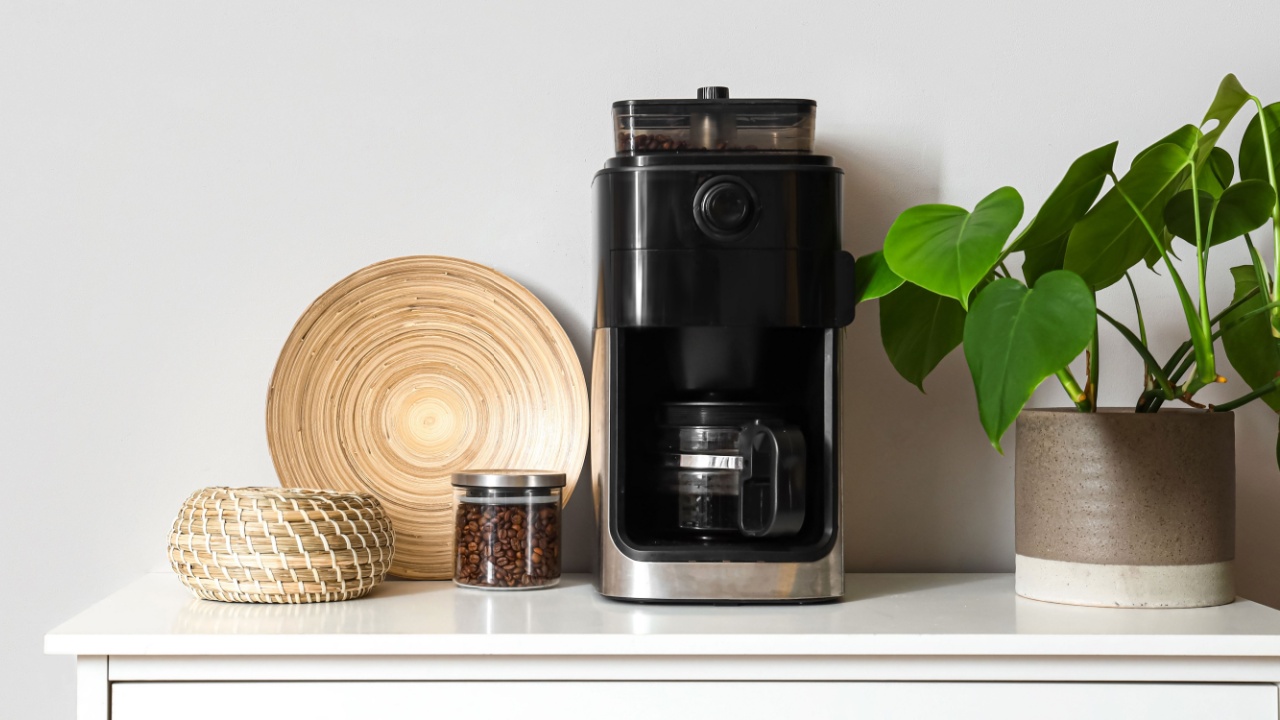
Image Credit: Shutterstock.
Your coffee maker with its digital clock, your microwave with its bright display, and your toaster oven are all culprits of phantom energy use. While each one individually draws a small amount of power, the cumulative effect can be surprisingly large. These appliances often use energy to power displays, internal clocks, or to remain ready for immediate use.
Because you use these items for short periods, they spend most of their time in standby mode. Getting into the habit of unplugging them after use is one of the easiest ways to eliminate this waste. It’s a small behavioral change that adds up to real savings over time.
Quick Tips:
- Unplug your coffee maker, toaster, and blender after your morning routine.
- Plug multiple small appliances into a power strip and switch it off when you’re done cooking.
- When buying new appliances, look for models without constant digital displays or choose ones with a true “off” switch.
4. Device Chargers (Even When Not Charging)
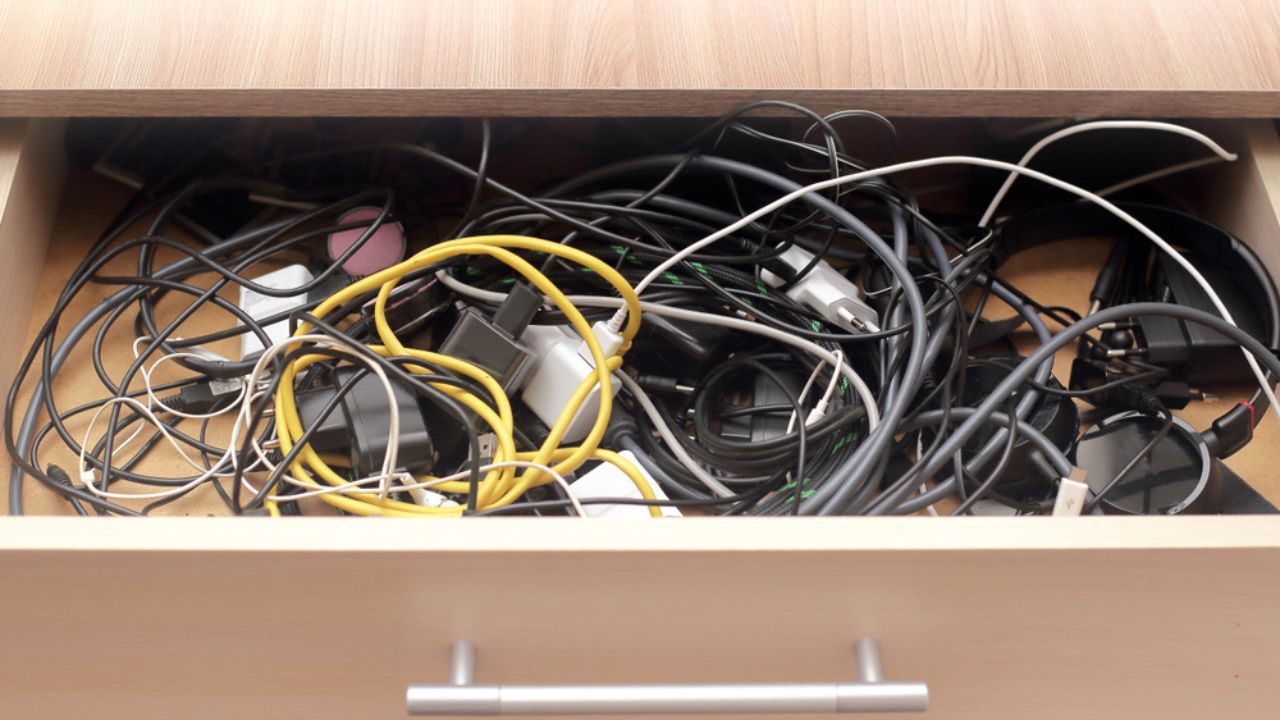
Image Credit: Shutterstock.
How many chargers are currently plugged into your walls? Phone chargers, laptop chargers, and chargers for tablets, smartwatches, and electric toothbrushes are notorious energy vampires. The power adapters, those blocky plugs, draw electricity as long as they are connected to an outlet, whether a device is attached or not.
This is perhaps the most straightforward energy waste to fix. While the power drawn by a single idle charger is minimal, the combined total from all the chargers in a typical household can be substantial. Making a habit of unplugging them is a simple and effective energy-saving practice.
Quick Tips:
- Unplug chargers from the wall as soon as your device is fully charged.
- Create a central charging station using a power strip that you can easily turn off.
- Avoid leaving devices plugged in overnight once they are fully charged.
5. Cable and Satellite Boxes
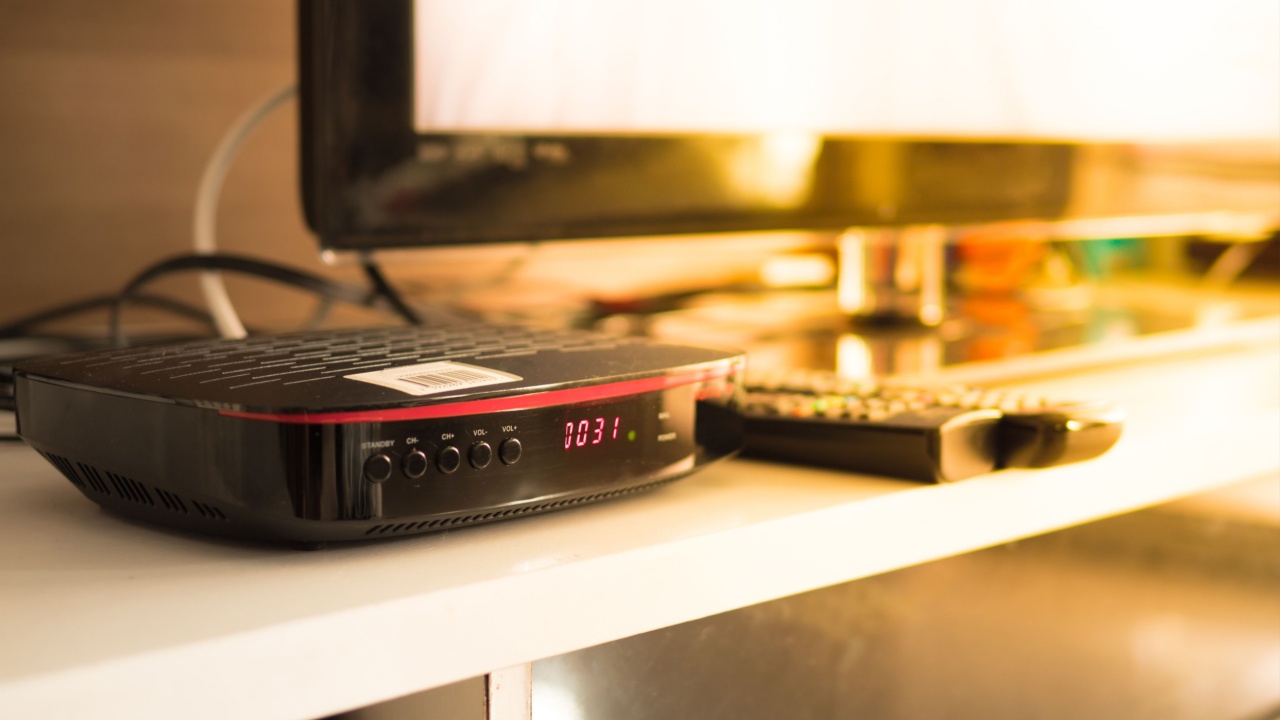
Image Credit: Shutterstock.
Your digital video recorder (DVR) or set-top box from your cable or satellite provider is a significant energy vampire. These devices are designed to be always on, constantly recording scheduled programs, updating program guides, and waiting for a signal from your remote. They are among the least efficient devices in many homes, drawing nearly the same amount of power whether you’re watching TV or not.
While you can’t just unplug them without missing recordings, you can take steps to mitigate their impact. Check with your provider for newer, more energy-efficient models. Some modern streaming solutions can also replace the need for a traditional box altogether.
Quick Tips:
- Ask your provider if they offer an ENERGY STAR certified or more recent, energy-efficient model.
- If possible, plug the box into a smart power strip and program it to turn off during hours you’re always asleep or away.
- Explore using streaming apps on a smart TV or a low-power streaming device to replace your set-top box.
6. Smart Home Devices

Image Credit: Shutterstock.
The very things that make our homes smarter—smart speakers, hubs, and security cameras—rely on a constant connection to power and Wi-Fi. A smart speaker is always listening for its wake word, and a security camera is always monitoring and ready to record. This “always-on” functionality is their primary feature, but it comes at the cost of continuous energy consumption.
While you can’t unplug these devices without losing their function, you can be strategic. Consolidate devices where possible and choose models known for their energy efficiency. Understanding their power draw helps you make informed decisions about how many you truly need active in your home.
Quick Tips:
- Research the standby power consumption of smart devices before you buy.
- Use a single, more powerful smart hub to control multiple devices rather than having many individual Wi-Fi-connected gadgets.
- Use the power-saving modes or scheduling features available in the device’s app, if any.
7. Audio Equipment
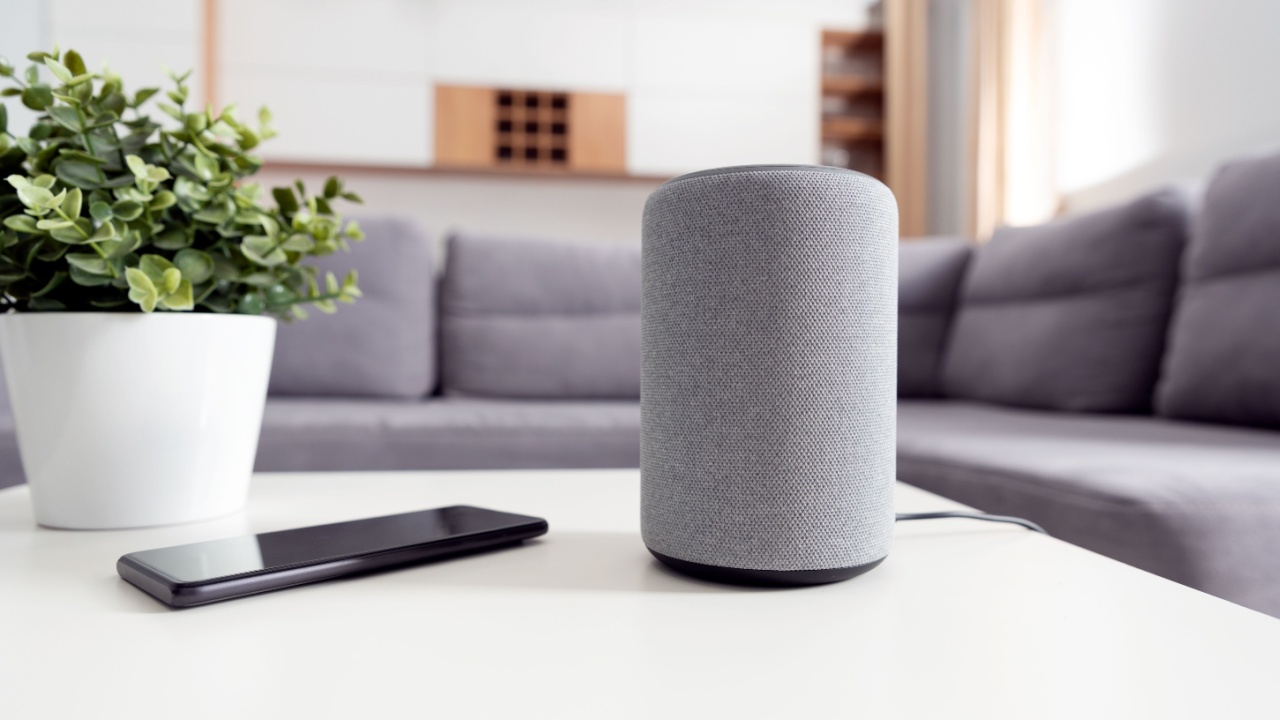
Image Credit: Shutterstock.
Your sound system, including receivers, subwoofers, and smart speakers, often remains in standby mode to connect to other devices or respond to commands. Receivers and amplifiers, in particular, can draw a considerable amount of phantom power to keep their internal electronics warm and ready for high-quality audio output.
Similar to your media center, the best approach is to manage the power to these devices as a group. A power strip allows you to cut off the electricity supply completely, ensuring they aren’t silently adding to your bill when you’re not listening to music.
Quick Tips:
- Plug your entire audio system into a dedicated power strip.
- Turn off the power strip when the system is not in use.
- Look for ENERGY STAR rated audio equipment when it’s time for an upgrade.
8. Outdoor and Garden Power Tools on Chargers

Image Credit: Shutterstock.
For those who love tending to their yard and garden, cordless power tools are a game-changer. However, the charging bases for electric lawnmowers, leaf blowers, and trimmers are significant energy vampires. Like other chargers, they continue to pull power from the outlet long after the battery is full.
Leaving these batteries on the charger seems convenient, but it’s a constant, unnecessary energy drain. It can also degrade the long-term health of some battery types. A better approach is to charge them fully and then unplug the charger and store the battery.
Quick Tips:
- Unplug the charger as soon as the battery is fully charged.
- Set a timer to remind you to unplug the charger after the required charging time (e.g., 2-3 hours).
- Store batteries off the charger in a cool, dry place like a garage shelf or shed.
9. Wi-Fi Routers and Modems
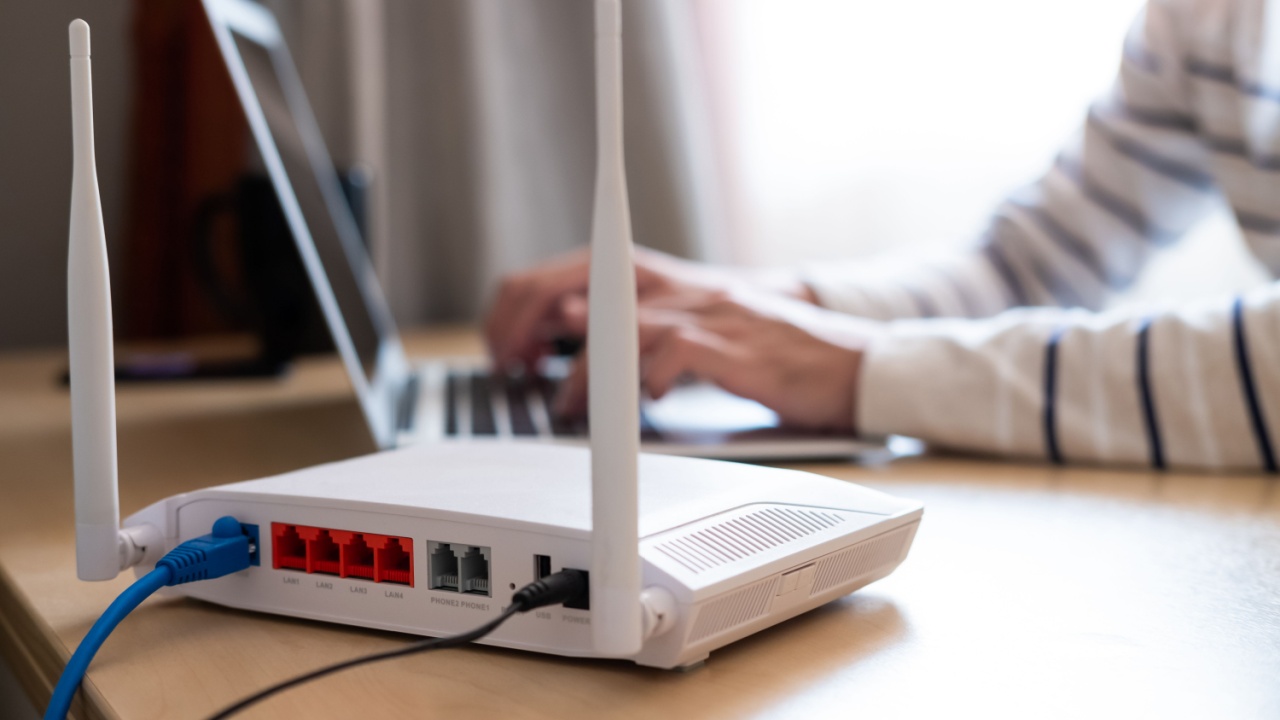
Image Credit: Shutterstock.
Your Wi-Fi router is the heart of your home’s network, working 24/7 to keep you connected. By its nature, it’s an always-on device. However, it doesn’t need to be running when no one is using the internet, such as overnight or when you are away on vacation.
While turning it off and on daily might be a hassle, you can automate the process. A simple outlet timer can power down your network when the whole house is asleep and turn it back on before you wake up, saving several hours of energy consumption every day.
Quick Tips:
- Plug your router and modem into a simple mechanical outlet timer.
- Set the timer to turn off late at night (e.g., from midnight to 5 a.m.).
- Power down and unplug your router completely when you go on vacation.
10. Night Lights

Image Credit: Shutterstock.
Plug-in night lights provide comfort and safety, but they often stay on all day or run on inefficient incandescent bulbs. Even modern LED night lights, while more efficient, consume power continuously. Those with light sensors still draw a small amount of power during the day to detect ambient light levels.
This is an easy area to improve. Switching to sensor-activated, energy-efficient night lights ensures they are only on when needed. This small change, multiplied across several lights in your home, reduces waste without sacrificing safety or convenience.
Quick Tips:
- Replace old incandescent night lights with modern LED versions.
- Use night lights with motion sensors instead of light sensors, so they only activate when someone walks by.
- Unplug night lights in rooms that get plenty of natural light during the day.
11. Electric Water Heaters
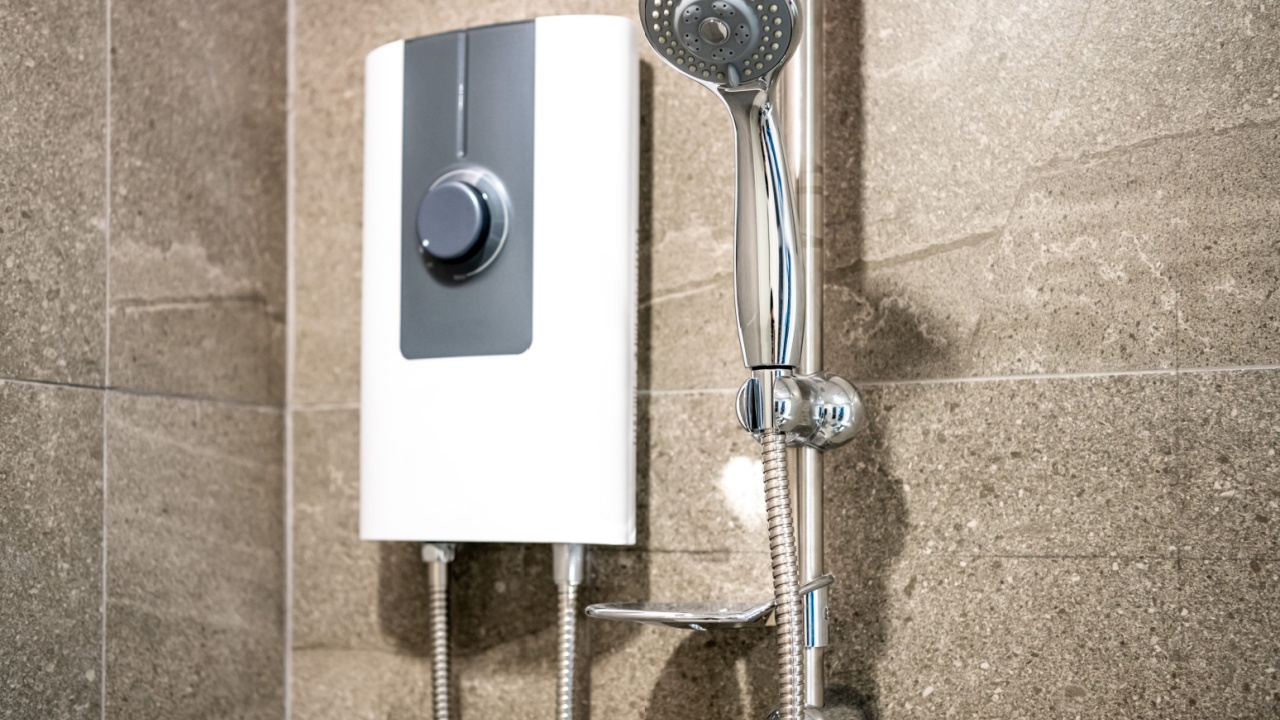
Image Credit: Shutterstock.
An electric water heater works like a giant kettle, constantly using energy to keep a large tank of water hot and ready for use. Even with insulation, heat loss occurs, and the heating elements must cycle on periodically to maintain the temperature. This standby heat loss makes it a massive, often overlooked, energy vampire.
While you can’t unplug it, you can take steps to reduce its energy waste. Lowering the thermostat and insulating the tank are highly effective measures. For a long-term solution, consider upgrading to a more efficient model, which will provide significant savings over its lifespan.
Quick Tips:
- Lower the thermostat on your water heater to 120°F (49°C).
- Wrap the tank and the first few feet of hot water pipes with an insulating blanket.
- When away for an extended period, turn your electric water heater off at the circuit breaker.
- Consider upgrading to a heat pump water heater or an on-demand system when it’s time for a replacement.
Your Next Steps to a More Efficient Home

Image Credit: Shutterstock.
Now that you can identify the energy vampires in your home, you can take action. Start with one or two of the easiest fixes, like unplugging idle chargers or using a power strip for your entertainment center. The goal is to build simple habits that reduce waste.
As you become more aware, you can move on to bigger projects, like insulating your water heater or investing in a smart power strip. You can even conduct a home energy audit yourself with a plug-in energy meter to find your biggest offenders.