3 Tips for Cleaning the TV without Ruining It
What makes a TV screen lose its sparkle so quickly, even when the rest of the room looks spotless? Modern screens attract dust, fingerprints, and airborne grime like magnets, and cleaning them wrong can lead to streaks, scratches, or long-term damage. A large number of display issues mostly occur due to incorrect cleaning habits.
This buildup of dust and moisture dulls the picture and can even affect the air quality around your entertainment setup. With the right cleaning steps, your TV stays bright, streak-free, and protected from unnecessary wear. These smart tips make it easy to keep your screen looking brand new without risking any hidden damage.
1. Use a Dry Microfiber Cloth First
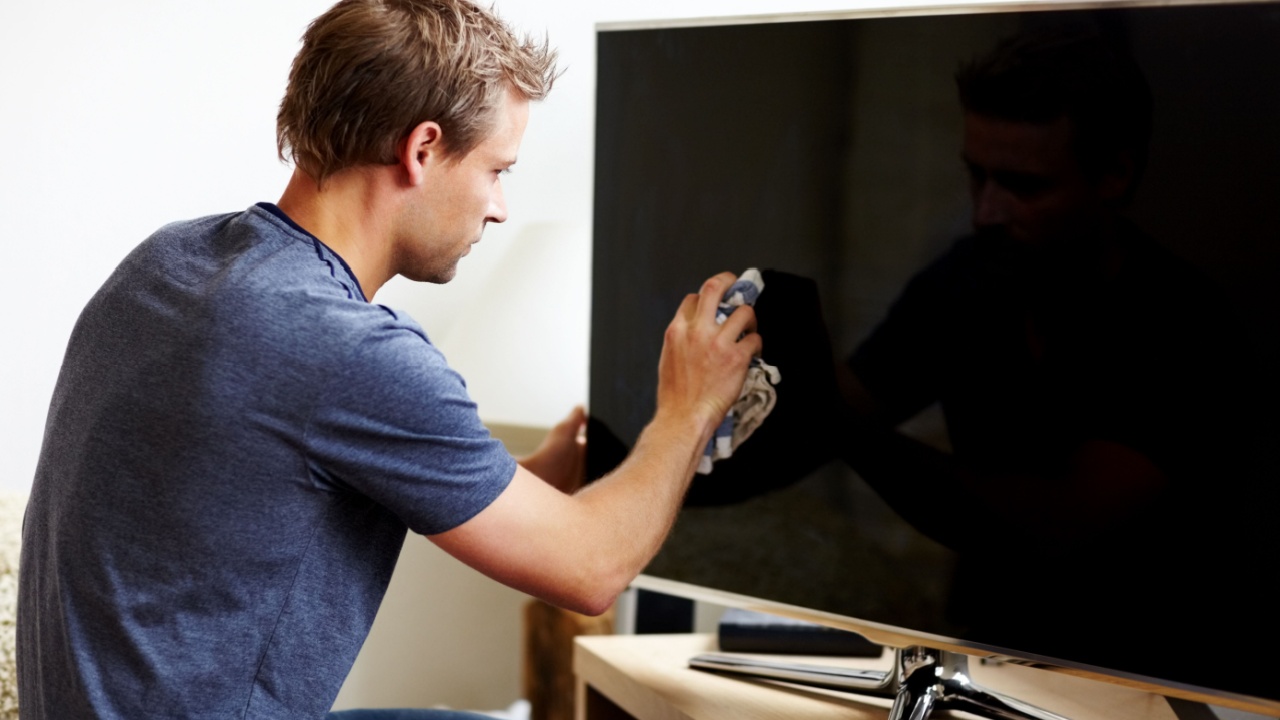
A dry microfiber cloth is your screen’s best friend because the tiny fibers lift dust without scratching the surface. Manufacturers like Samsung and LG specifically warn against using towels, tissues, or rough fabrics since they can leave swirl marks on LED, OLED, and LCD panels.
A soft microfiber cloth glides over the screen and removes loose debris before any deeper cleaning, which reduces the risk of pushing grit across the screen.
Once the dust is off, you’ll notice that even fingerprints become easier to clean. Starting dry means you avoid streaks and don’t accidentally introduce moisture into the screen’s edges, and something tech repair centers say is one of the biggest causes of long-term panel damage. Use light, circular motions, and make this part of your weekly home routine so grime never builds up.
2. Use a Water-Dampened Cloth and Not Spray Cleaners
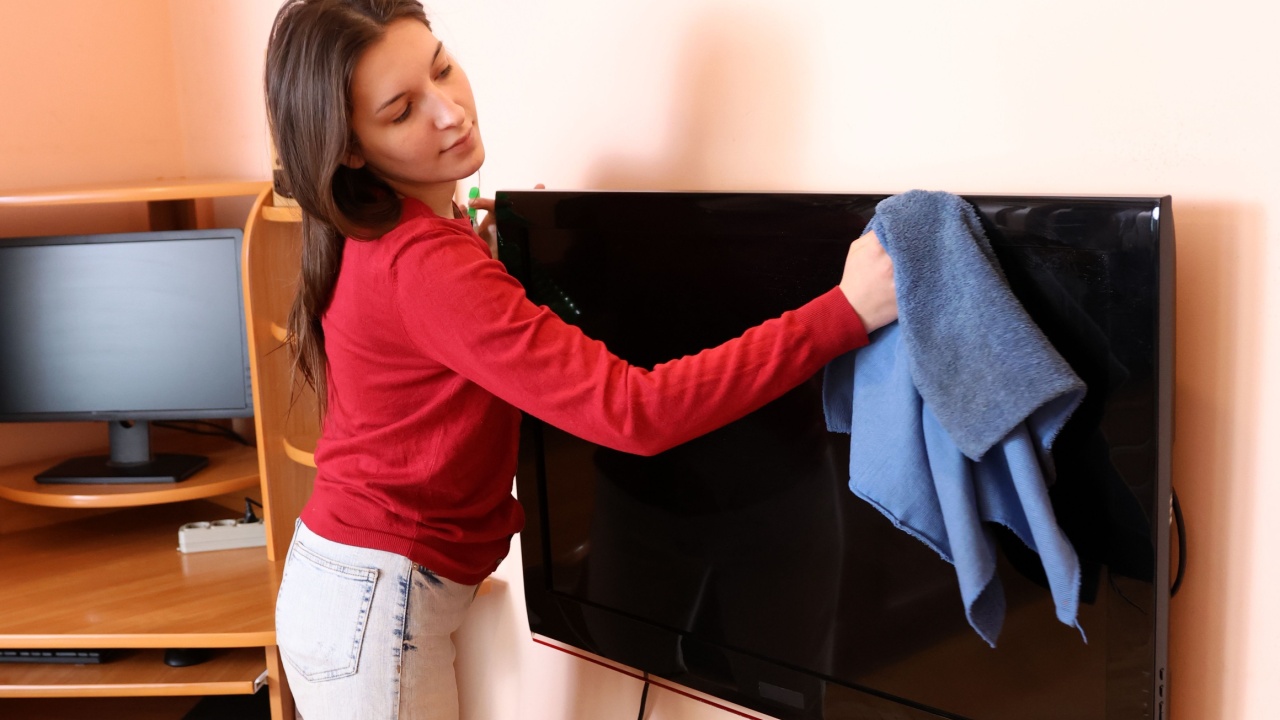
Most TV brands advise against applying cleaning sprays directly to the screen because it can cause streaks or let liquid seep into the panel. Instead, lightly dampen the microfiber cloth in a 50-50 ratio of distilled water and white vinegar.
When wiping, keep moisture minimal. Never let droplets form, and avoid the corners where moisture can sneak inside. Distilled water works best because it doesn’t leave mineral spots behind. After wiping, use a second dry microfiber cloth to finish the job and restore that smooth, non-streak shine.
3. Clean the Frame, Ports, and Remote to Reduce Re-Grime
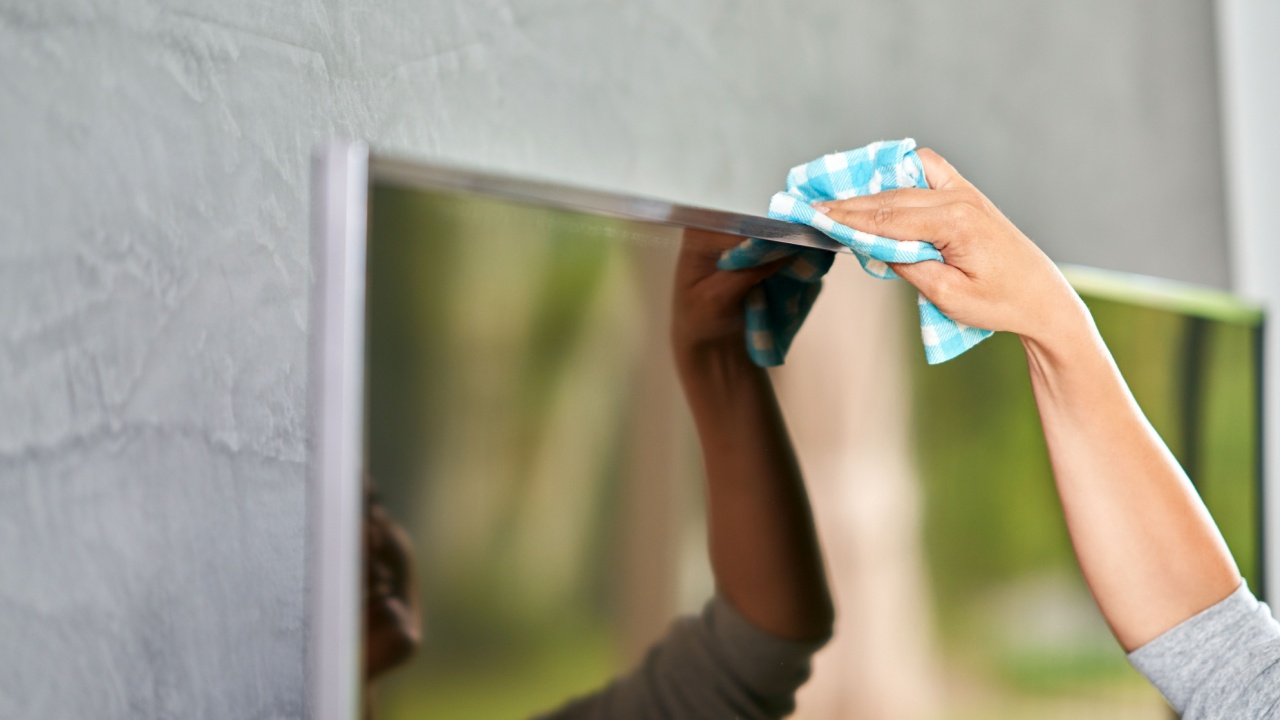
A screen can get dirty again fast if the rest of the TV isn’t cleaned too. Dust sitting on the frame or ports gets pulled toward the screen by static electricity, which is one of the reasons screens attract particles so easily.
Use a dry cloth for the bezel and a soft brush for ports and vents. For the remote control, disinfecting wipes that don’t contain bleach or harsh chemicals work great, since remotes can harbor more bacteria than a typical kitchen counter.
The Clearer Screen Game Plan
A TV might look like a simple rectangular gadget, but caring for it the right way makes a huge difference in how long it lasts and how good your shows look. Using gentle tools, staying away from harsh chemicals, and cleaning the surrounding areas keep your screen sharp and safe.
Set a quick weekly routine, keep microfiber cloths handy, and rotate between dry dusting and light damp cleaning. A few minutes of care go a long way.