
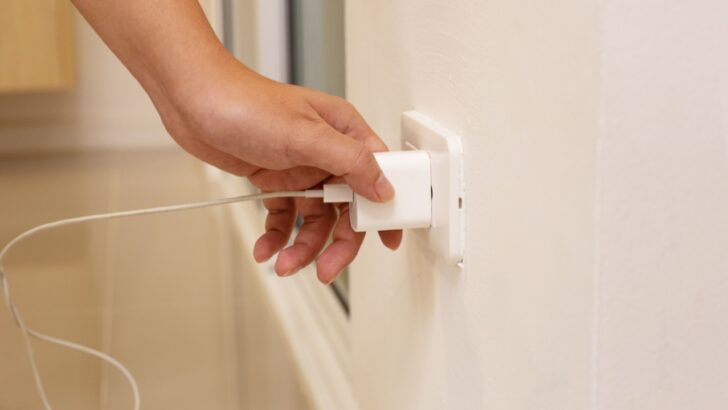
That little red light on your TV is not just a faint glow in the dark guiding you to the bathroom; it’s also a tiny, silent money-eater. Many household gadgets are energy vampires, quietly drawing electricity even when they’re switched off or in standby mode. This wasted energy, often referred to as phantom power, can accumulate over time, unnecessarily increasing your electricity bill.
Unplugging devices when not in use can reduce electricity costs and improve home safety by minimizing fire risks and overheating. Cutting off the unnecessary power supply can help your favorite appliances last longer by preventing wear from constant low-level usage.
Here are nine appliances that should stay unplugged when not in use.
1. Hair Dryers and Styling Tools
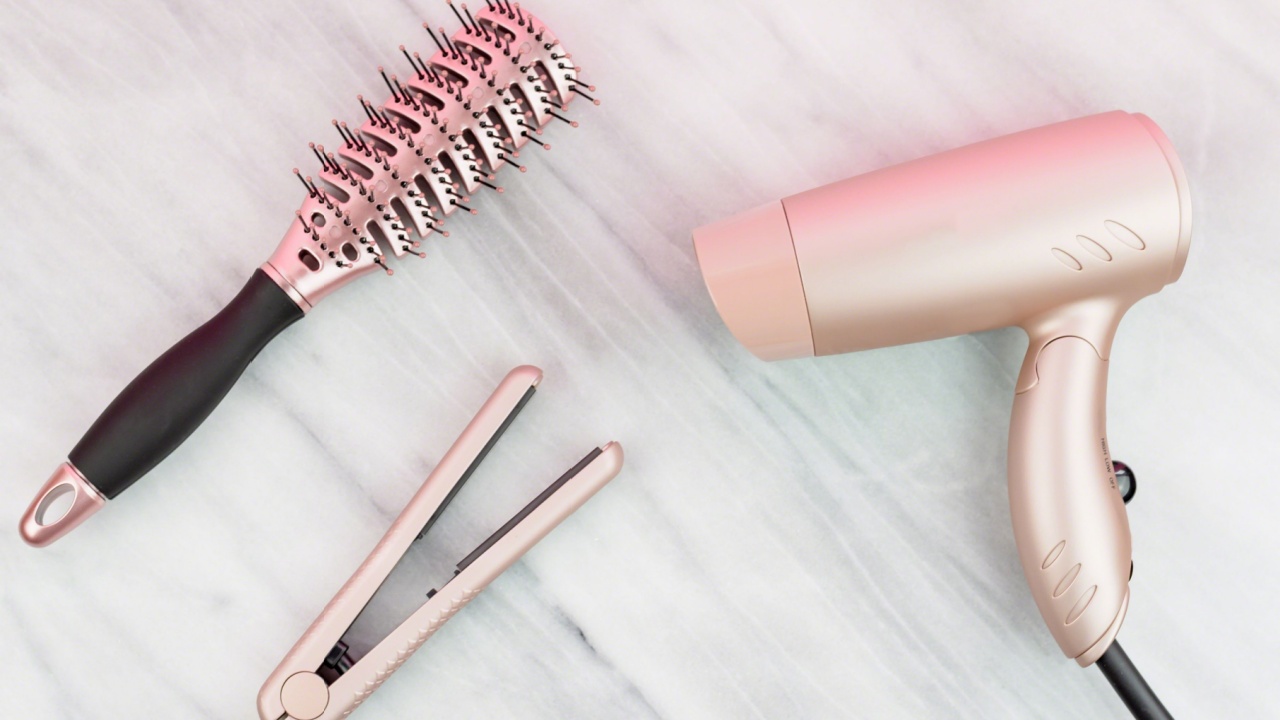
Image Credit: Shutterstock.
The morning rush often involves a flurry of activity with curling wands, straighteners, and hair dryers. Once the styling is complete, it’s easy to leave these tools plugged in. But these heat-producing devices are a potential fire hazard.
Leaving them connected to power means they could accidentally turn on if something falls on the switch or if the device malfunctions. They can also continue to draw a small amount of power, contributing to that phantom energy load.
Quick Guide: Styling Tools
- Why Unplug? Reduces fire risk and prevents phantom power draw. A faulty switch could lead to an unexpected activation.
- Care Tip: Always let heat styling tools cool down completely on a heat-resistant surface before storing them away. Wrapping the cord too tightly can damage the internal wiring.
2. Space Heaters

Image Credit: Shutterstock.
A portable space heater feels like a personal slice of summer on a cold day. However, these powerful little boxes are a significant fire risk when left unattended. According to safety experts, space heaters are responsible for about 43% of home heating fires.
Leaving one plugged in increases the chances of it being knocked over or accidentally turned on. This could create a hazardous situation, especially around flammable materials such as curtains, bedding, or carpets. It’d also ruin your perfect gadget.
Quick Guide: Space Heaters
- Why Unplug? Dramatically lowers the risk of fire. Most models are not designed for continuous, unsupervised operation.
- Care Tip: Place the heater on a flat, hard surface at least three feet away from anything flammable. Inspect the cord for damage before each use.
3. TVs

Image Credit: Shutterstock.
Your television is a prime example of a phantom power user. When you turn it off with the remote, it enters a standby mode, not a fully powered-down state. This mode allows it to receive a signal from the remote to turn back on quickly.
That convenience comes at a cost, as the TV continuously draws electricity. For a device that’s off for more hours than it’s on, this standby power can accumulate on your energy bill.
Quick Guide: TVs
- Why Unplug? Stops the constant standby power drain that adds up on your utility bill.
- Next Step: Connect your TV and other entertainment devices to a single power strip. This allows you to cut power to all of them with one easy switch.
4. Heated Towel Warmers
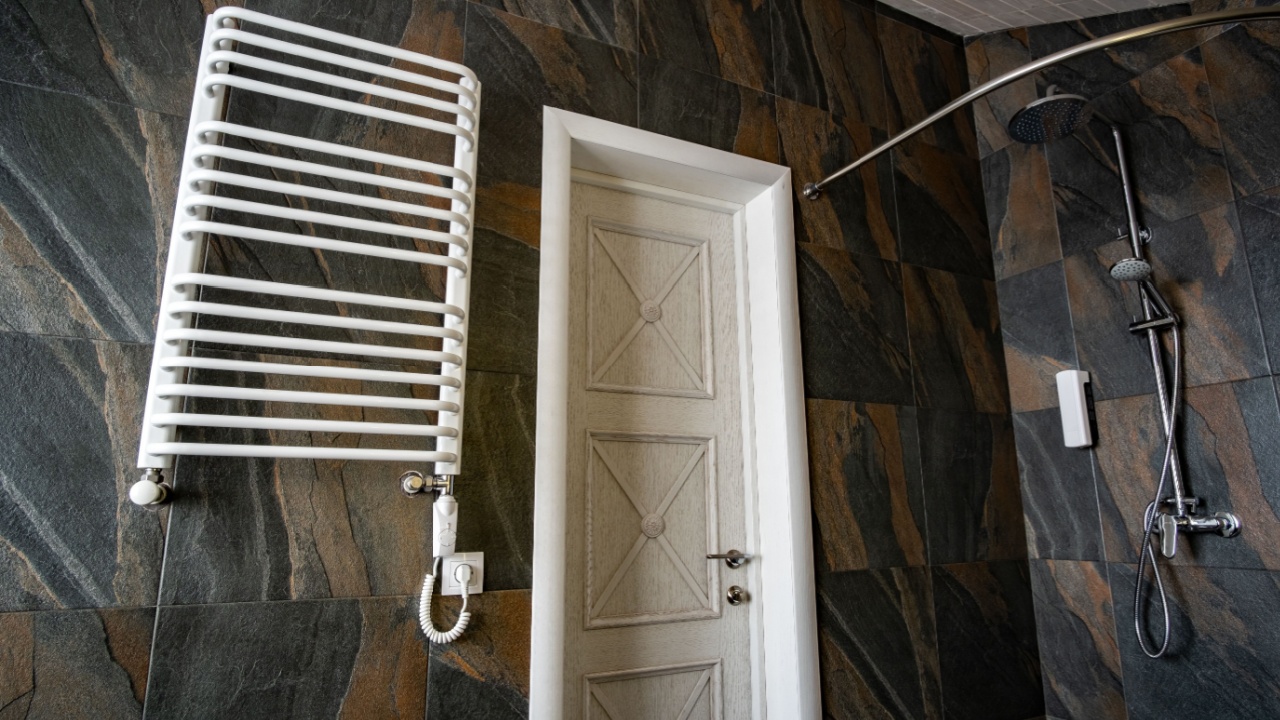
Image Credit: Shutterstock.
The luxury of a warm towel after a shower is undeniable. However, a heated towel warmer is an appliance designed for short-term use, not for running 24/7. These devices consume a steady amount of electricity to maintain their temperature. Leaving one plugged in when you’re not using it is like running a small heater for no reason, pointlessly adding to your energy consumption.
Quick Guide: Heated Towel Warmers
- Why Unplug? Saves a significant amount of electricity by preventing constant heating.
- Care Tip: Use a model with a timer or plug it into an outlet timer. This way, you can have it warm your towels just before your shower without leaving it on all day.
5. Video Game Consoles and Set-Top Boxes

Image Credit: Shutterstock.
Modern video game consoles and cable boxes are designed for instant gratification. They often stay in a standby or “rest” mode to download updates, stay connected to the internet, and boot up quickly. This readiness requires a constant supply of power. While convenient, this feature makes them some of the biggest phantom energy culprits in the home, often drawing nearly as much power in standby as they do during active use.
Quick Guide: Game Consoles & Set-Top Boxes
- Why Unplug? Halts the substantial energy drain from standby mode, which is designed for quick restarts and background updates.
- Next Step: Dive into your console’s settings. Most have an “energy saving” mode that fully powers down the device instead of putting it in rest mode.
6. Home Office Equipment

Image Credit: Shutterstock.
Your home office setup, with its printer, scanner, and paper shredder, is a hub of phantom power. These devices often remain in an idle state, ready for the next command. Printers, especially, are known to draw power to keep their print heads warm or run periodic self-maintenance cycles. When you only print a few pages a week, there’s no need for the printer to be on standby all day, every day.
Quick Guide: Office Equipment
- Why Unplug? Prevents idle power consumption from multiple devices that are used infrequently.
- Next Step: Group all your office peripherals—printer, shredder, desk lamp, and monitor—onto a single power strip for a one-switch shutdown at the end of the workday.
7. Kitchen Appliances with Clocks

Image Credit: Deposit Photos.
Take a look around your kitchen. The microwave, coffee maker, and even some modern toasters have digital displays that show the time. Each of those tiny clocks requires a continuous stream of electricity to operate. While a single clock doesn’t use much power, the combined draw from multiple appliances contributes to your home’s overall phantom load. Unplugging them when not needed is an easy way to trim that waste.
Quick Guide: Kitchen Appliances
- Why Unplug? Eliminates the small but constant energy draw from digital clocks and standby modes on multiple devices.
- Care Tip: For appliances like microwaves, where unplugging is impractical, just being aware of this energy use is a good first step. For the programmable coffee maker, consider plugging it in only when you set it for the morning.
8. Computers (Laptops and Desktops)
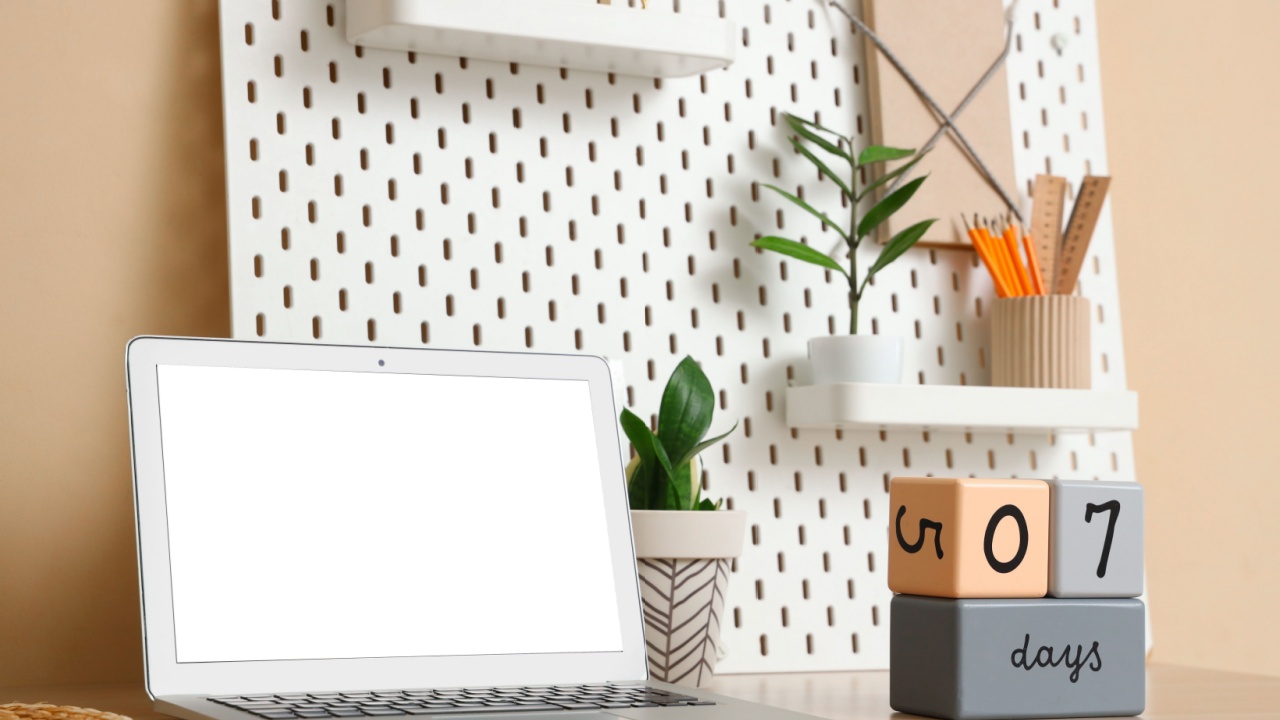
Image Credit: Shutterstock.
Leaving a computer in sleep or standby mode is common practice, but it still consumes power. Desktops, in particular, continue to power components like the RAM to allow for a quick restart. Laptops left plugged in after reaching a full charge can also stress the battery, potentially reducing its overall lifespan. A full shutdown is the most effective way to save energy and preserve your hardware.
Quick Guide: Computers
- Why Unplug? Saves energy from sleep/standby modes and can prolong battery health in laptops.
- Next Step: Adjust your computer’s power settings to automatically enter a deeper sleep or hibernate mode after a shorter period of inactivity. For desktops, a power strip makes a full shutdown simple.
9. Phone and Device Chargers

Image Credit: Deposit Photos.
How many chargers are currently plugged into your walls, waiting for a device to charge? Most of us are guilty of leaving them connected. These small power adapters, often called “wall warts,” continue to draw a small amount of electricity even when they are not charging a phone, tablet, or smartwatch. It might seem insignificant, but with multiple chargers scattered throughout the house, the wasted energy adds up.
Quick Guide: Chargers
- Why Unplug? Stops the continuous, low-level power draw that occurs even when a device isn’t connected.
- Care Tip: Make it a habit to unplug the charger as soon as your device is fully charged. Alternatively, use a smart power strip that automatically cuts power to outlets when devices are charged.
Time to Unplug
Image Credit: Shutterstock.
Adopting the habit of unplugging can feel like one more thing to keep track of. The easiest way to begin is by using power strips. Grouping related appliances, like your entire entertainment center or all your computer peripherals, onto one strip lets you cut power to everything with a single flip of a switch.
You can also use outlet timers for items like towel warmers or lamps. By making a few small changes, you can banish those energy vampires and enjoy the savings.